Industrial Panel PCs for Industrial Automation Systems, HMI Interfaces, and OEM Equipment
Industrial panel PCs used in automation systems, machine HMI, and OEM equipment, where mounting method, interfaces, and software platform are defined as part of the overall system design.
What Is an Industrial Panel PC Used for?
An industrial panel PC is an integrated industrial computer that combines display, touch interface, and embedded computing in a single unit. It is typically used in industrial automation systems, machine HMI interfaces, control cabinets, and OEM equipment where stable installation and predictable operation are required. For a broader engineering overview, see our industrial panel PC guide .
Compared with industrial monitors or separate embedded PCs, industrial panel PCs provide a more compact and integrated system architecture, with fixed I/O layout and simplified installation. This approach is commonly used in OEM automation systems where space, integration consistency, and deployment efficiency are important.
OEM Equipment Interfaces
Common in machines where the panel PC serves as the main interface for equipment control, operator interaction, and production monitoring.
Control Cabinet Integration
Used in control cabinets and equipment enclosures where mounting method, interface layout, and space constraints are defined as part of the system design.
Early review typically begins with the environment, mounting method, screen size range, required interfaces, and operating system.
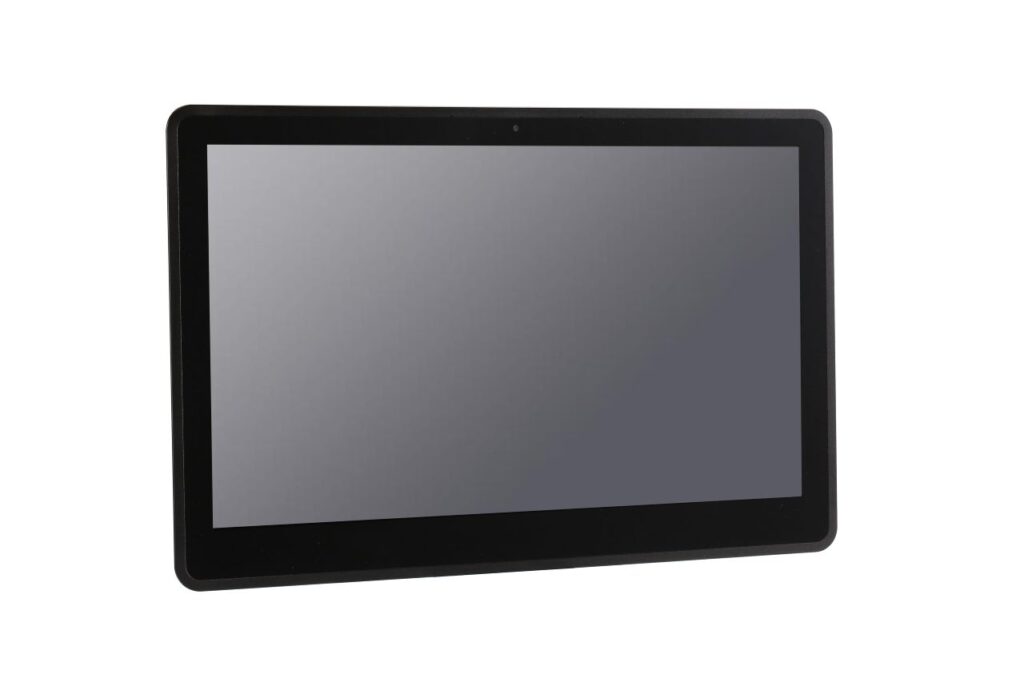
Industrial panel PCs are typically installed in machines, control cabinets, production equipment, and automation stations.
HMI Stations
Machine UI
System Control
Industrial Panel PC Types Based on System Platform and Deployment Conditions
Industrial panel PC selection typically begins with the software platform, operating environment, and integration requirements. The following configurations reflect common directions used in OEM equipment and industrial automation systems.
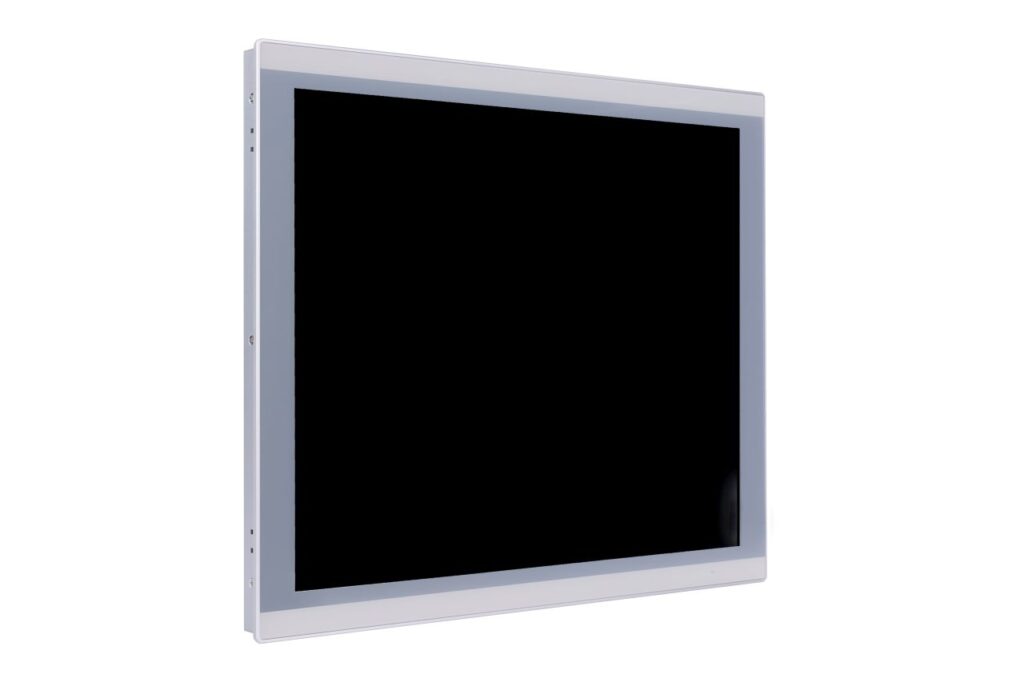 Windows Platform
Windows Industrial Panel PCs
Used in industrial automation systems where application software, control platforms, and drivers are built around Windows environments.
- Machine HMI and operator interfaces
- Industrial software compatibility
- Common in control and equipment systems
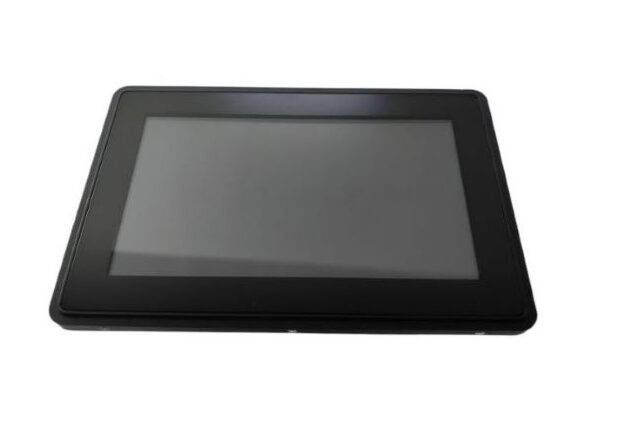 Android Platform
Android Industrial Panel PCs
Applied in dedicated-function systems where touch interaction, fast startup, and simplified interface design are required.
- App-based operator interfaces
- Fast startup with lower system overhead
- Suitable for focused automation functions
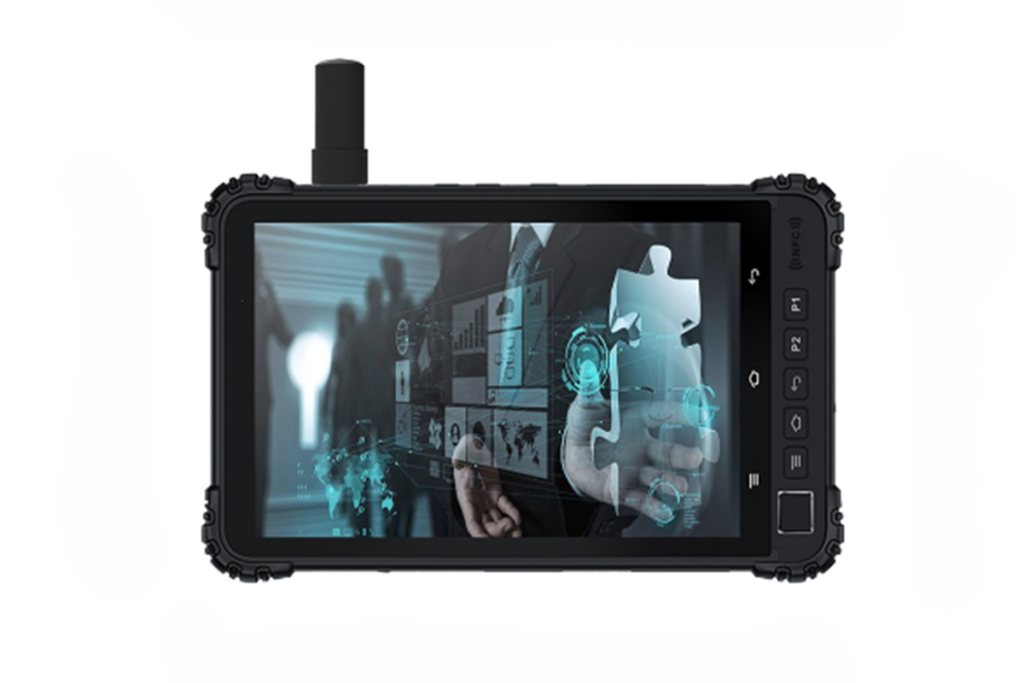 Harsh Environments
Rugged & Fanless Industrial Panel PCs
Designed for industrial environments involving dust, moisture, vibration, or frequent cleaning, where enclosure protection and thermal design must support long-term operation.
- Fanless design for reduced maintenance
- Front protection such as IP65 sealing
- Structure aligned with demanding environments
Industrial Panel PC Specifications Defined by System Requirements
Industrial panel PC configurations are typically defined by installation conditions, system architecture, and interface requirements rather than fixed specifications.
The following ranges reflect common configurations used in industrial automation systems, machine HMI interfaces, and OEM equipment integration.
- Screen sizes typically range from 7" to 21.5"
- Brightness is selected based on indoor or high-ambient light conditions
- Options such as anti-glare treatment or optical bonding may be applied
- PCAP is commonly used for multi-touch HMI interfaces
- Resistive touch is selected for glove or wet operation environments
- Cover glass and surface treatment depend on durability requirements
- x86 platforms support Windows and Linux-based systems
- ARM platforms are typically used for Android-based applications
- Platform selection is usually driven by software and performance requirements
- LAN and USB are commonly used as baseline interfaces
- RS232 / RS485 are widely used for industrial communication
- Additional I/O such as GPIO, CAN, or video outputs may be included as required
- Panel mount and VESA installation are commonly used in equipment integration
- Front protection levels such as IP65 are selected based on environment
- Mechanical structure is defined by enclosure design and service conditions
In most OEM projects, these parameters are defined together as part of the system design, rather than selected as independent specifications.
How to Select an Industrial Panel PC for OEM and Automation Projects
Industrial panel PC selection typically begins with the software platform, followed by installation conditions and system integration requirements.
In most OEM and automation projects, a small number of parameters is enough to define a suitable configuration and begin technical evaluation.
The operating system and software architecture usually define the platform first. Windows, Linux, or Android selection determines performance requirements, driver compatibility, and overall system structure.
Dust, temperature, moisture, and cleaning conditions define enclosure design, protection level, and whether fanless or sealed structures are required.
Panel mount, VESA, or embedded installation is selected based on equipment structure, control cabinet design, and available installation space.
LAN, USB, RS232, and RS485 are commonly required for industrial communication. Additional interfaces are defined by system integration and external device requirements.
PCAP is typically used for multi-touch HMI interaction, while resistive touch is selected for glove operation or wet environments.
In most cases, evaluation begins with the software platform, environment, mounting method, and required interfaces to define a stable configuration baseline.
OEM Panel PC Support from Requirement Review to Controlled Deployment
In OEM and automation projects, panel PC selection is typically part of a broader system definition process. The focus is not on choosing a standalone product, but on defining a configuration that aligns with the equipment structure, installation method, interface requirements, and software platform.
- Requirement review based on environment, mounting method, and system constraints
- Configuration alignment covering interfaces, platform, and structural requirements
- Sample evaluation to verify integration and operating conditions
- Pilot stage to confirm stability before scaled deployment
- Deployment according to project-specific rollout requirements
This process is used to establish a stable configuration baseline that can be maintained across sample validation, pilot stage, and final deployment.
- Reviewing installation conditions such as environment, mounting method, and enclosure constraints
- Confirming required interfaces including LAN, USB, RS232 / RS485, and project-specific I/O
- Aligning hardware platform with operating system and software architecture
- Defining configuration baseline for consistent integration and repeatable deployment
Once the configuration baseline is defined, the same structure can be maintained across multiple units and deployment stages.
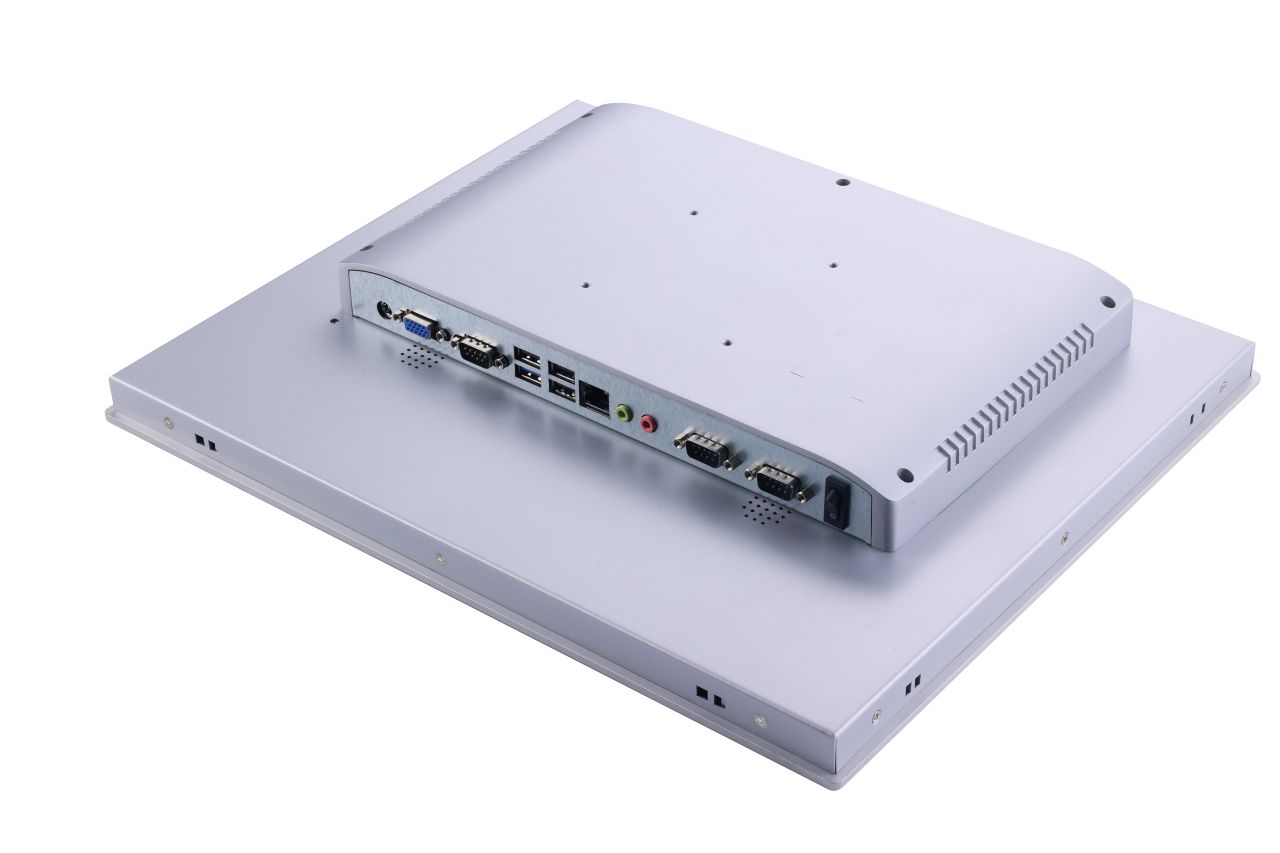
Early definition of environment, mounting method, interfaces, and software platform usually leads to more stable integration and predictable deployment outcomes.
Configuration baseline → sample validation → pilot stage → controlled deployment.
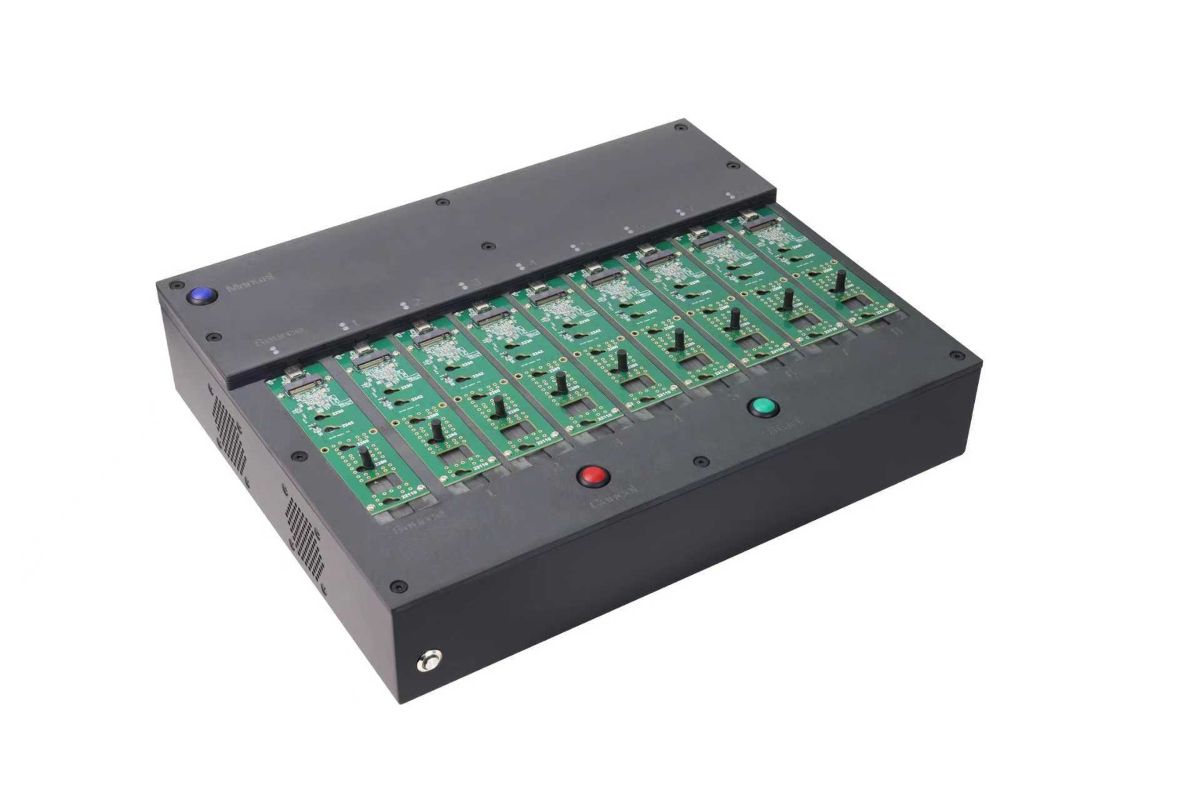
Dedicated system image duplication equipment used for preparing SSD storage devices for batch deployment of industrial panel PCs.
For projects deploying multiple units, this preparation step can help maintain aligned software environments across delivered devices.
Batch System Image Preparation for Multi-Unit Panel PC Deployment
For OEM equipment programs deploying multiple systems, preparing the operating system environment in advance can simplify installation and help maintain consistent software configurations across devices.
- System image preparation for pilot and production runs
- Batch configuration of SSD storage devices
- Consistent OS environments across delivered units
- Reduced installation setup time
This preparation step can be included when equipment projects require repeated deployment across machines or production lines.
Structured Workflow
Clear inputs. Defined deliverables. From specification to production.
Confirm constraints and define configuration direction.
- Size / brightness
- Interface list (HDMI / DP / LVDS / eDP)
- Mounting method
- Operating temperature
- Touch requirements (glove / wet if needed)
Engineering sample and validation against operating conditions.
Pilot run, then repeatable production with controlled revisions.
Share what you have — we will respond with configuration direction and next steps.
Industrial Panel PC FAQ
Answers to common questions about industrial panel PCs, HMI systems, and OEM deployment.
Engineering Review
Send your application details. We respond with configuration direction and next steps.