Custom Industrial Panel PCs for OEM Equipment
Windows, Linux and Android touch computers for machine HMI, production terminals and self-service equipment. Start with an existing platform, then adapt the display, touch, interfaces and mounting to your equipment.
Choose Your Panel PC Platform
Match the platform to your software, then compare screen sizes, connections and installation options.
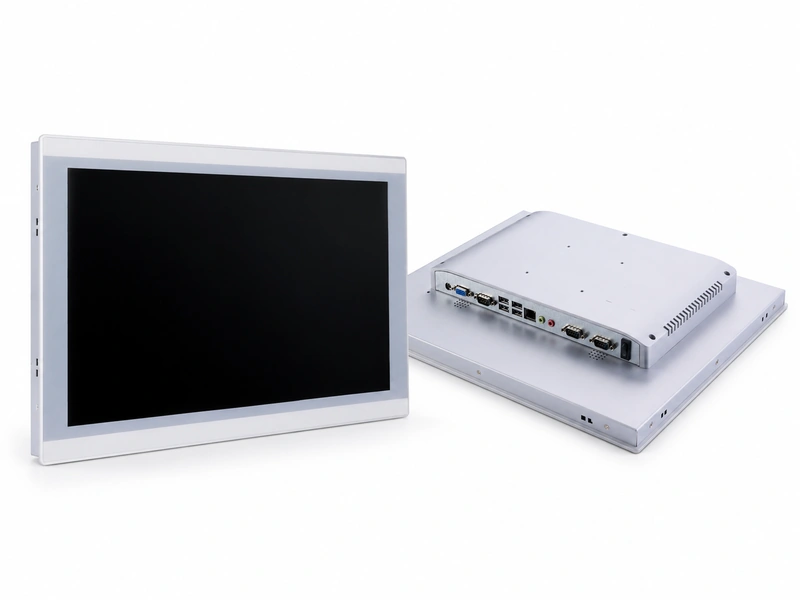
Windows / Linux Panel PCs
For machine control interfaces, production workstations and equipment running Windows or Linux software.
- Display Sizes
- 8″–21.5″ standard models
- Processor Options
- Intel J6412; Core i3 / i5 / i7 options
- Touch
- PCAP or 5-wire resistive
- Installation
- Panel mount / VESA
- Common I/O
- LAN, USB and serial ports; options vary by model
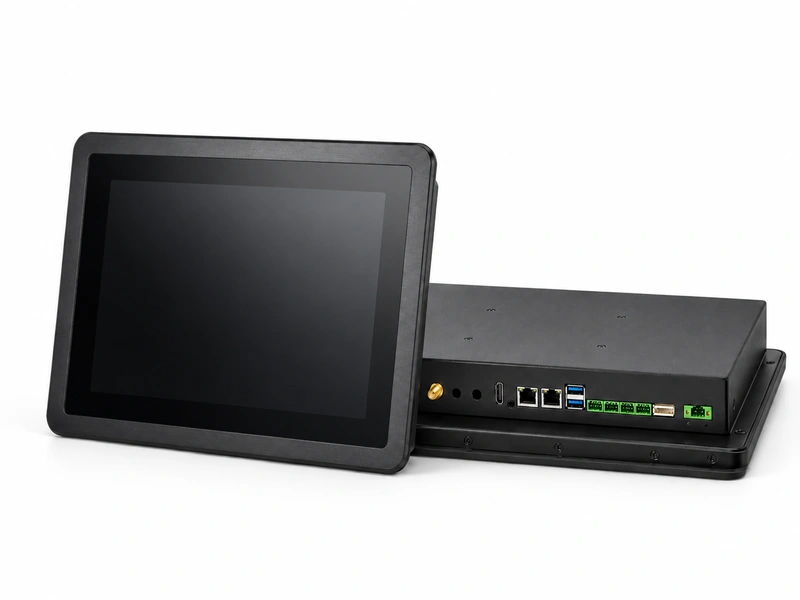
Android Panel PCs
For dedicated Android applications in kiosks, connected equipment and factory terminals.
- Display Sizes
- 10.1″–32″ options
- Processor Options
- RK3566 / RK3568 / RK3576 / RK3588
- Touch
- PCAP capacitive touch
- Installation
- Embedded / VESA
- Common I/O
- LAN; USB and RS232 / RS485 options by configuration
Options depend on the selected model and board. Confirm the processor, OS version, memory, storage and port counts together before sampling.
Fit the Panel PC to Your Equipment
Share your enclosure drawing and the parts of a standard model that need to change. We will identify suitable options and any work requiring development.
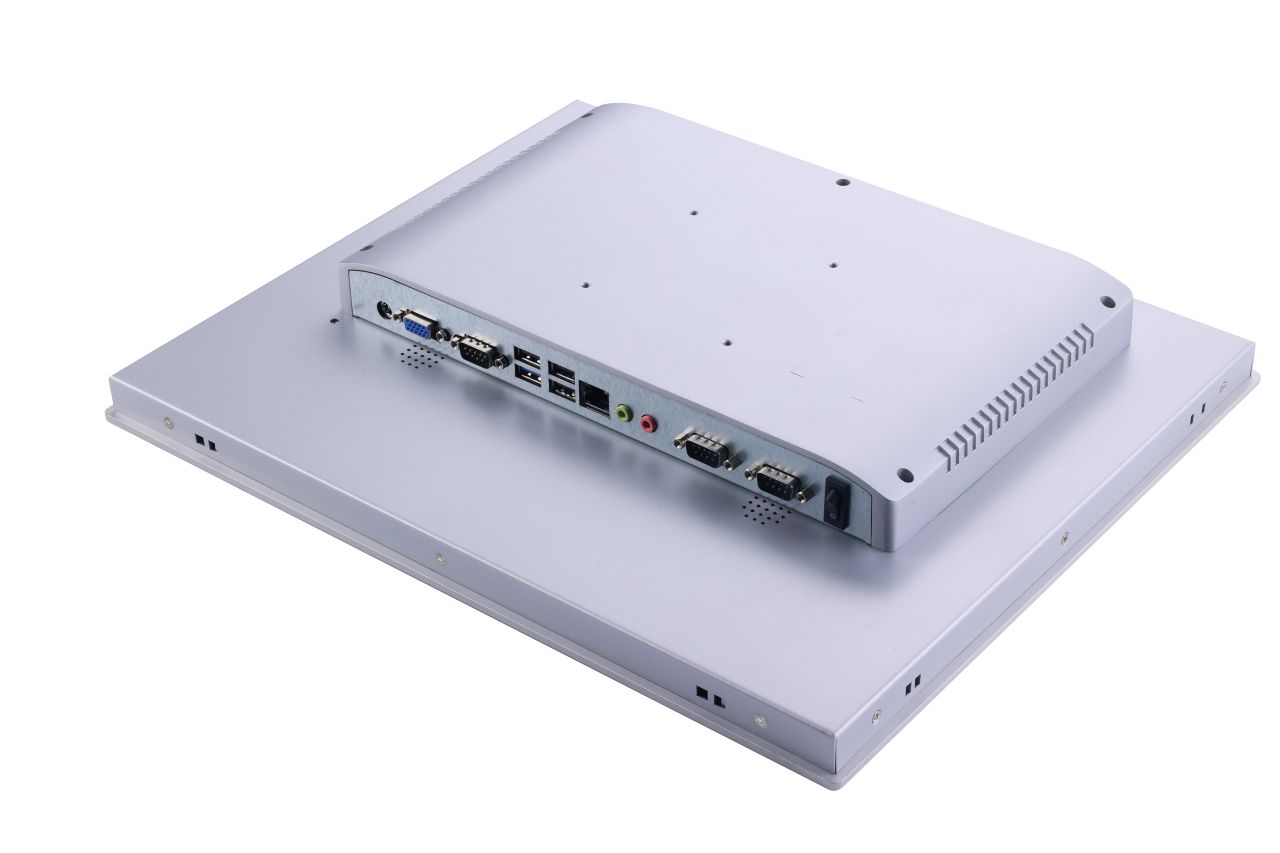
Mechanical Fit
Adjust the panel cutout, bezel, mounting points and enclosure depth to suit your equipment. Allow room for connectors, cable bends and service access.
Display & Touch
Review brightness, cover-glass design, optical bonding and AG / AR / AF treatments for the viewing conditions. Glove and wet-touch requirements need testing with the final glass and assembly.
Computing & I/O
Select the CPU, memory and storage around your application and workload. Define peripheral models, port counts and connector positions, along with any BIOS, firmware or driver requirements.
Thermal & Power Design
Match the power input and cooling to the installation. Review cabinet temperature, airflow and heat dissipation under load; include direct sunlight exposure for outdoor equipment.
From Customer Concepts to Working Equipment
Eagle Touch has completed many custom panel PC projects, taking customer concepts through design, sampling and production. These systems remain in operation in customers’ equipment.
Industrial Panel PC Applications
Each installation has different priorities. Start with the operator, software and connected devices.
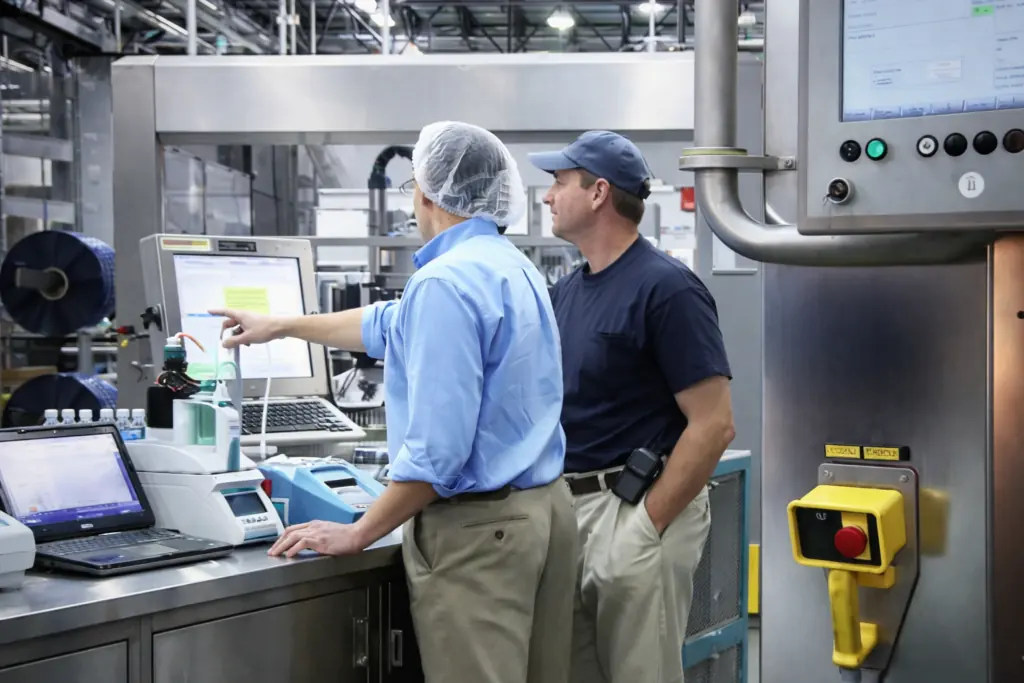
Machine HMI
For machine operation and control cabinets. Check panel cutout, front sealing, PLC communication requirements and maintenance access.
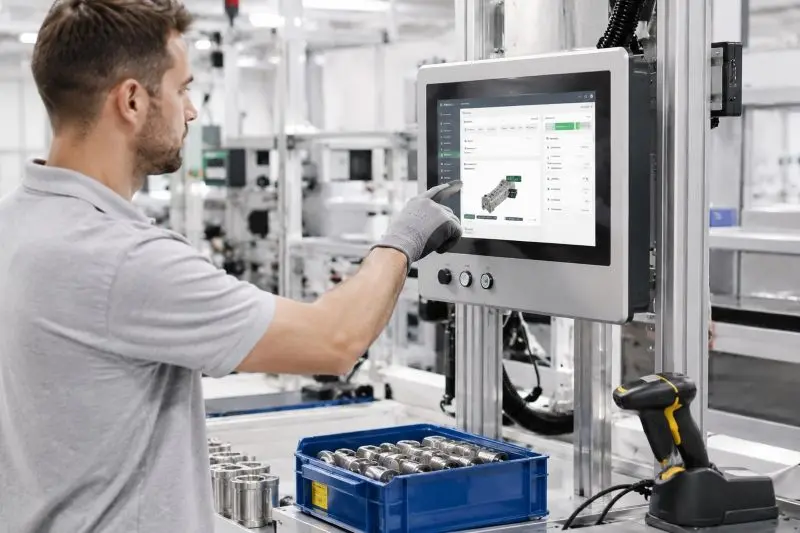
Production & MES Terminals
For work instructions, production data and status displays. Match screen readability, network connections and scanner or peripheral support to the workstation.
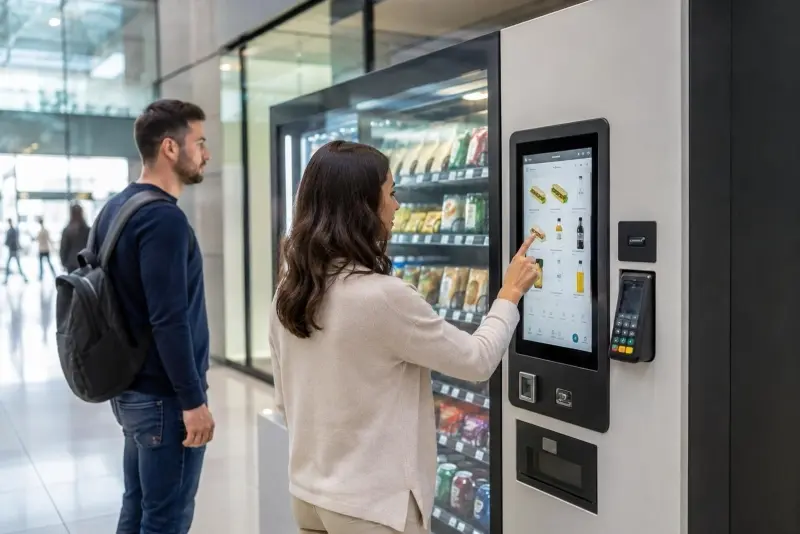
Self-Service Equipment
For kiosks using readers, scanners or printers. Validate the application, peripheral drivers, touch response and restart behavior as a complete system.
Samples, Pricing & Repeat Orders
Start with the requirements you already have. An existing part number, drawing or equipment photo can help us assess the fit.
Helpful Details for Your Enquiry
- Screen size and installation space
- Software, OS and connected devices
- Power supply and operating environment
- Sample quantity, expected volume and schedule
Configuration & Quotation
Receive a proposed configuration with sample availability, MOQ and lead time. Any development or tooling charges are listed separately so purchasing can assess the full project cost.
Sample Validation
Test mechanical fit, software, touch, peripherals and restart behavior in your equipment. Check operation under the expected workload and installation temperature before approving the sample.
Repeat Production
Record the approved hardware, mechanical revision and agreed software version as the production reference. Agree on inspection requirements and how component or configuration changes will be communicated.
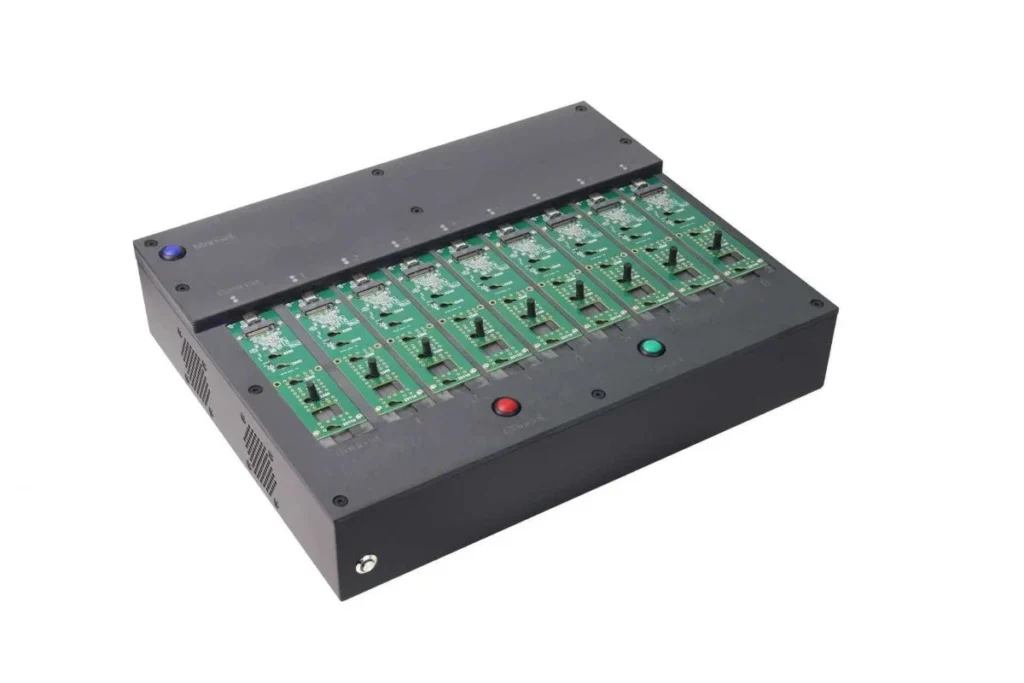
Storage Duplicator for Compatible Drives
Prepare compatible system drives at your own facility by copying a validated master drive for repeat builds or replacements. Send the drive model, interface, capacity and number of drives to copy at once so we can confirm compatibility and quote a suitable duplicator.
Optional accessory, quoted separately. OS licensing and device-specific settings must be handled for each unit.
Check the Build Before You Order
Review the technical documents and inspection scope for the selected configuration.
Production Checks
- Display and touch function
- Configured I/O connections
- Power-on and aging checks
- Appearance, identification and packing
Additional thermal, environmental or compliance testing is defined according to the project.
Technical Documents
- Datasheet and confirmed configuration
- Mechanical dimensions and mounting details
- Interface information and revision records
- Available certification documents for the selected build
State your target market and required standards so we can check which documents apply and whether additional testing is needed.
Before You Order
Let’s Discuss Your Requirements
Share your application, requirements, or current challenge. Our team will review the details and recommend a practical way forward.