Panel PC I/O Ports for Industrial System Integration

Introduction In industrial system design, panel PC I/O ports are a primary factor in determining how …
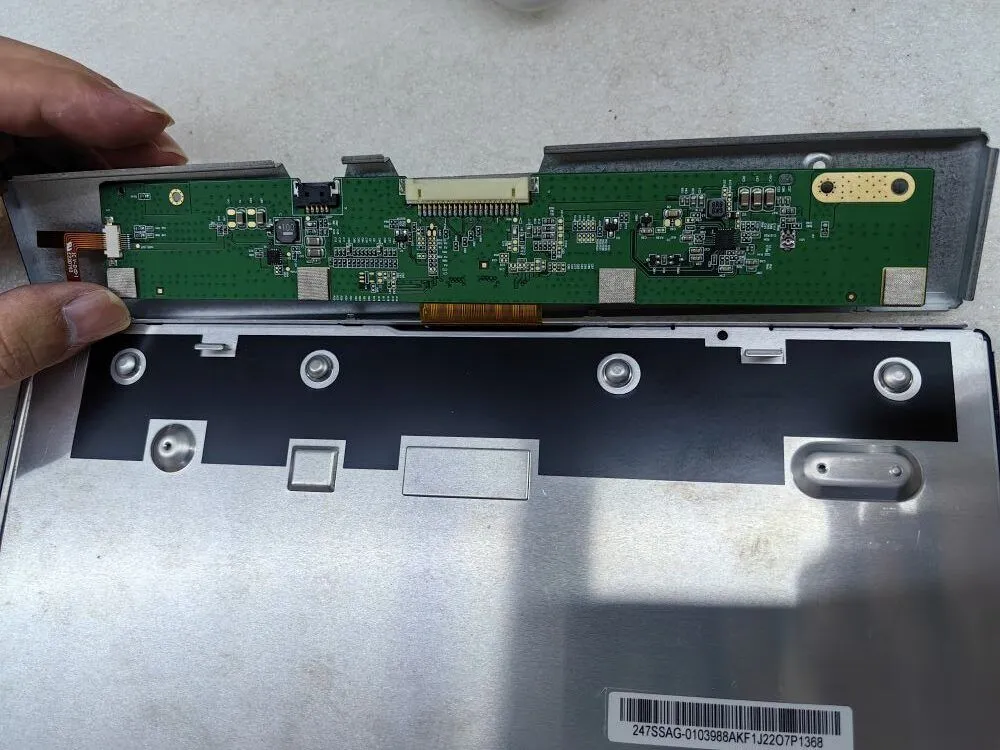
Encountering a black screen or no image on your monitor can be a frustrating experience, particularly when seamless operations are crucial.
Whether you’re an IT professional with technical expertise or a procurement officer responsible for sourcing reliable display solutions, knowing how to effectively troubleshoot these issues is essential.
In this troubleshooting guide, we will provide you with a set of invaluable tips and strategies to systematically diagnose the underlying causes of monitor black screen and no image problems. By following these guidelines, you can swiftly identify and address issues, ensuring uninterrupted productivity and optimal performance.
Is the backlight illuminated? If yes, the constant current board is likely functioning correctly.
When troubleshooting a black screen or no image on your monitor, the first step is to examine the backlight illumination. If the backlight is bright and functioning as expected, it indicates that the constant current board, responsible for regulating the backlight, is likely in good working order. However, if the backlight is not lit, proceed to the next steps to pinpoint and resolve the issue.
Are there any signs of burnt or damaged LCD components?
In the quest to resolve a black screen or no image on your monitor, the second crucial step involves a thorough examination of the LCD components. Look closely for any visual indications of burnt or damaged elements. These may include charred areas, discolored components, or visible signs of overheating.
Identifying such damage can provide key insights into the root cause of the issue. If you observe any damaged LCD components, it is advisable to replace them promptly. However, if the LCD components appear intact, proceed to the subsequent steps for further troubleshooting.
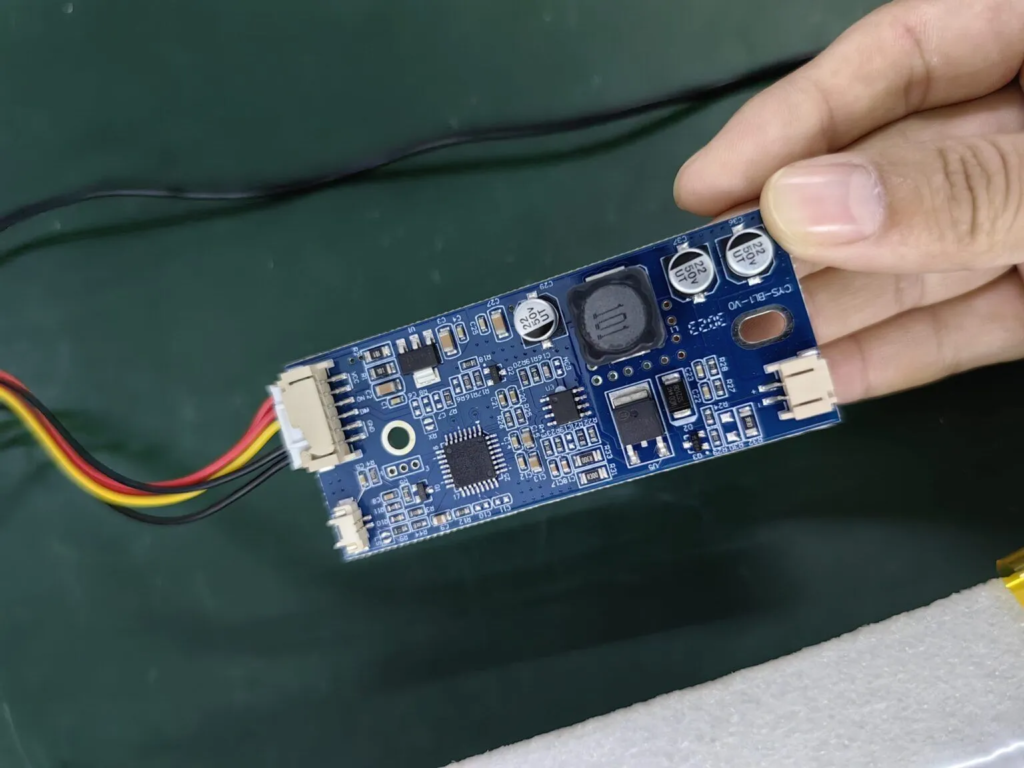
Are there any signs of burnt or damaged LCD components?
In the quest to resolve a black screen or no image on your monitor, the second crucial step involves a thorough examination of the LCD components. Look closely for any visual indications of burnt or damaged elements. These may include charred areas, discolored components, or visible signs of overheating.
Identifying such damage can provide key insights into the root cause of the issue. If you observe any damaged LCD components, it is advisable to replace them promptly. However, if the LCD components appear intact, proceed to the subsequent steps for further troubleshooting.
The image below shows the appearance of components burned due to low supply voltage
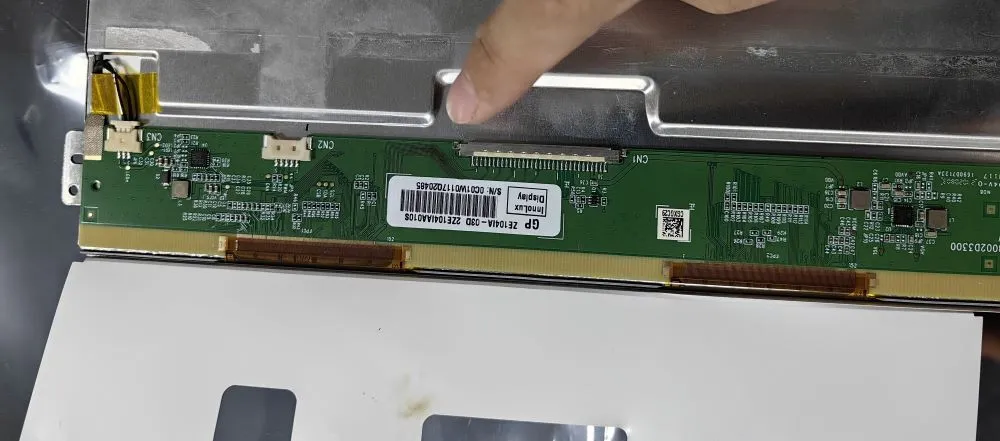
Take a moment to inspect the connector pins for any signs of misalignment. Misaligned pins can potentially lead to issues like a white screen or distorted display.
While addressing the troubleshooting of a black screen or no image on your monitor, it’s essential to consider the condition of the connector pins. Examine them carefully to ensure they are properly aligned. Misaligned pins can result in poor connections, leading to problems such as a white screen or screen distortion.
If you detect any misaligned pins, gently realign them to restore a secure and accurate connection. This attention to detail can often resolve display issues effectively. However, if the pins appear correctly aligned, proceed to the subsequent steps for further diagnosis and resolution.
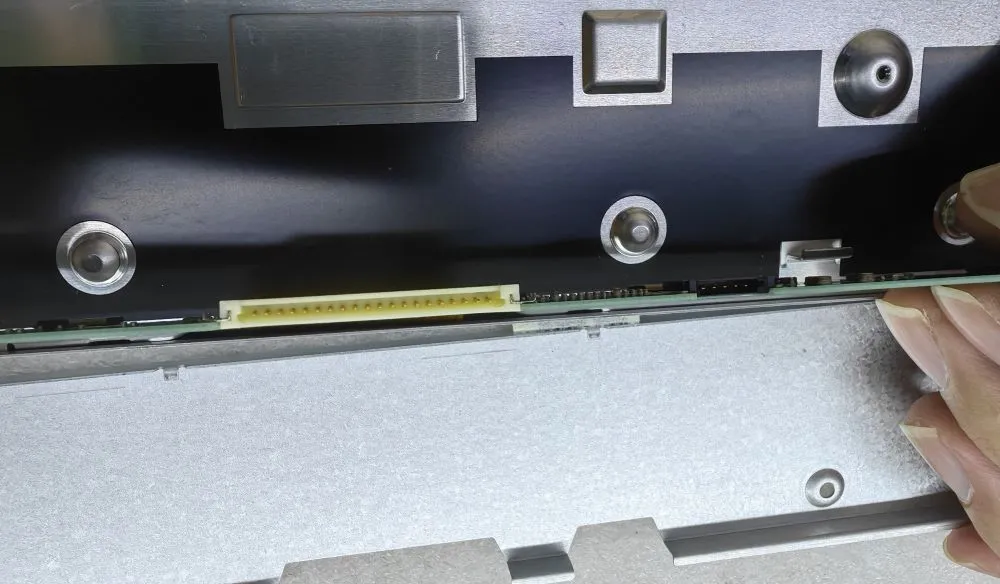
Above are the main 3 Steps to check the black screen or no display issues.
Introduction In industrial system design, panel PC I/O ports are a primary factor in determining how …
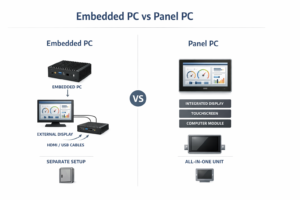
Introduction In industrial system design, selecting between an embedded PC and a panel PC is primarily …
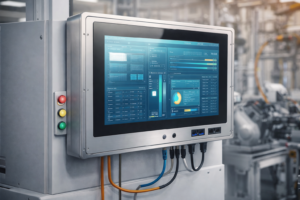
Introduction In OEM equipment development, selecting an industrial panel PC supplier is not simply a purchasing …
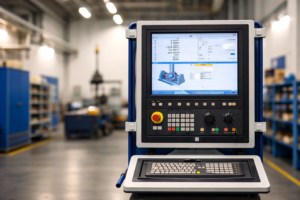
Introduction Industrial equipment increasingly integrates computing and human-machine interface (HMI) functions into unified platforms. Industrial panel …
Send your application details. We respond with configuration direction and next steps.