Industrial Display Monitors & Touch Screen Monitors for OEM Equipment
Industrial touch screen monitors and non-touch displays for machine builders, equipment manufacturers and system integrators.
Eagle Touch is an industrial monitor manufacturer offering open frame, panel mount, VESA mount and sunlight-readable configurations. Start with an existing model, then adapt the touch, glass, interfaces or mechanical structure where your equipment needs a different fit.
7–32 inch sizes · PCAP / resistive touch · Optical bonding options
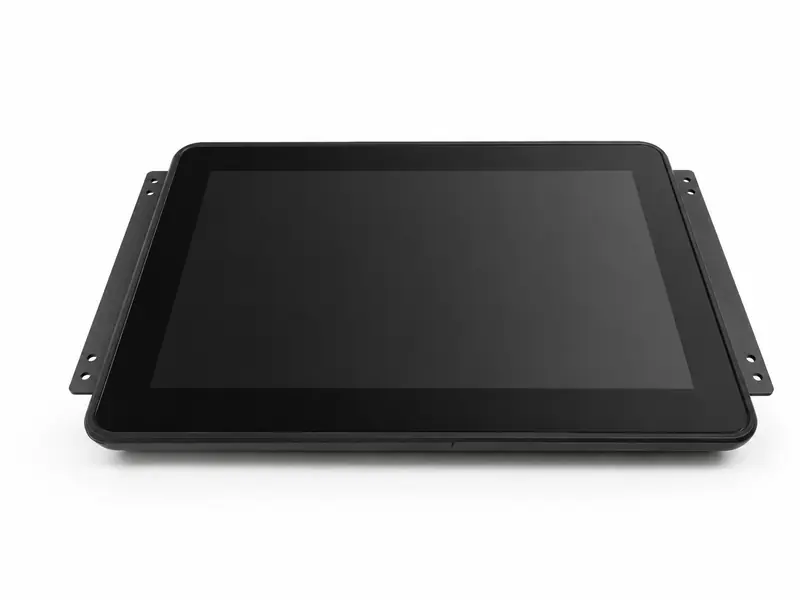
Industrial Display Monitor Product Range
Browse the mounting options below, or choose sunlight-readable models for strong daylight. If your screen size is already fixed, go straight to the size links.
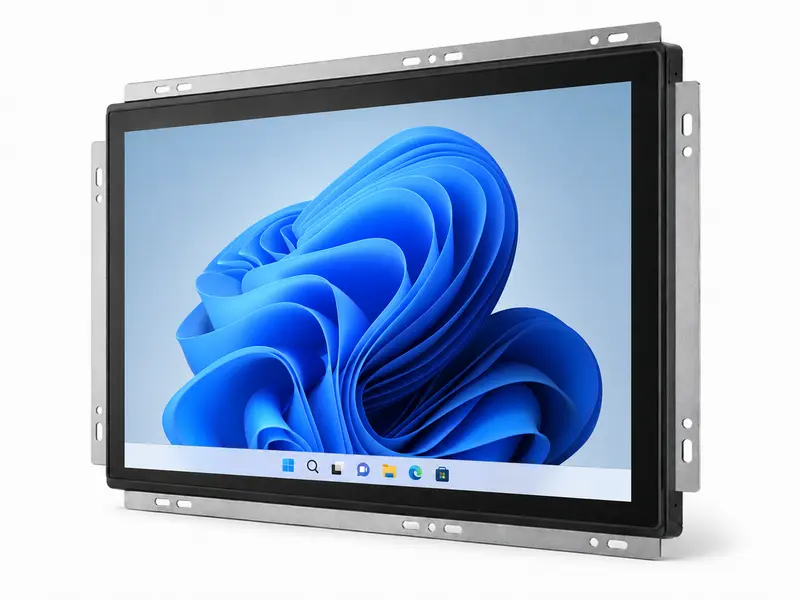
Open Frame Monitors
For integration behind your equipment's front panel. Check bracket positions, available depth and the required front finish.
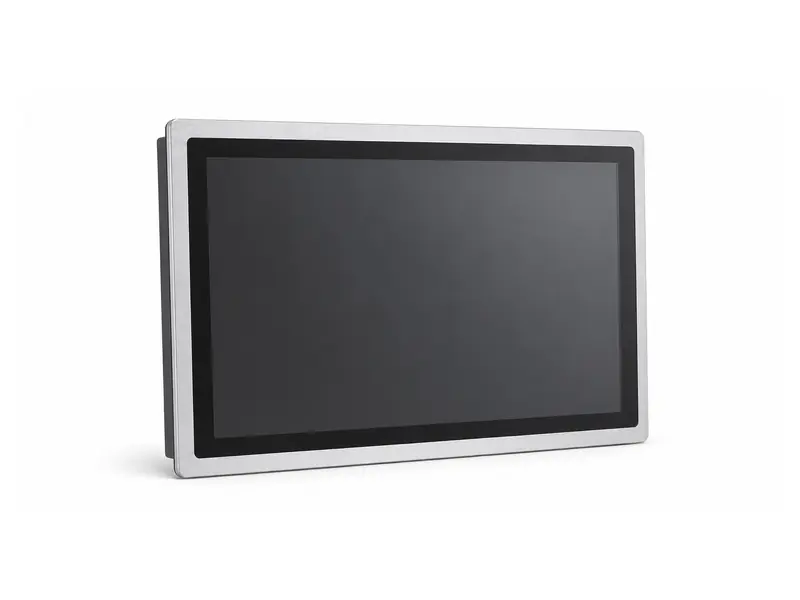
Panel Mount Monitors
For cabinet cutouts and control consoles. Match the front bezel, panel thickness, fixing method and sealing arrangement.
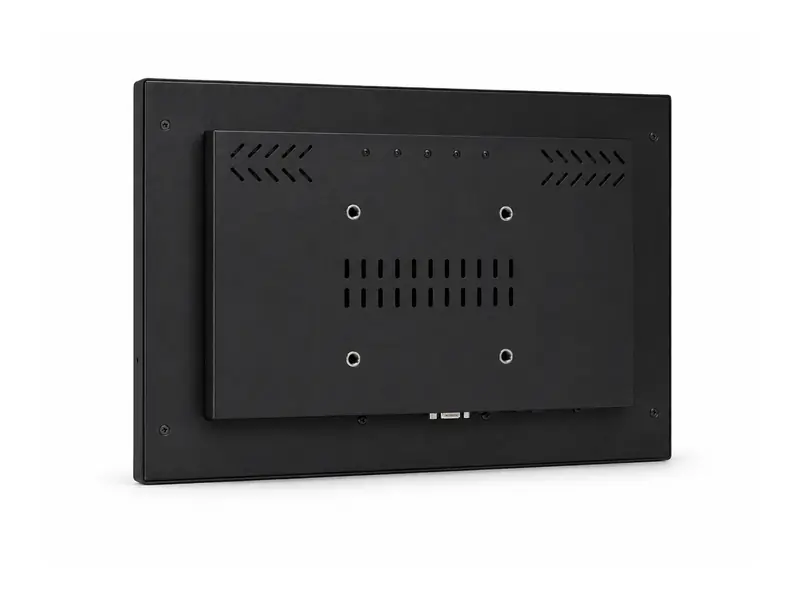
VESA Mount Monitors
For machine-side terminals, workstations and mounting arms. Confirm the hole pattern, monitor weight and connector clearance.
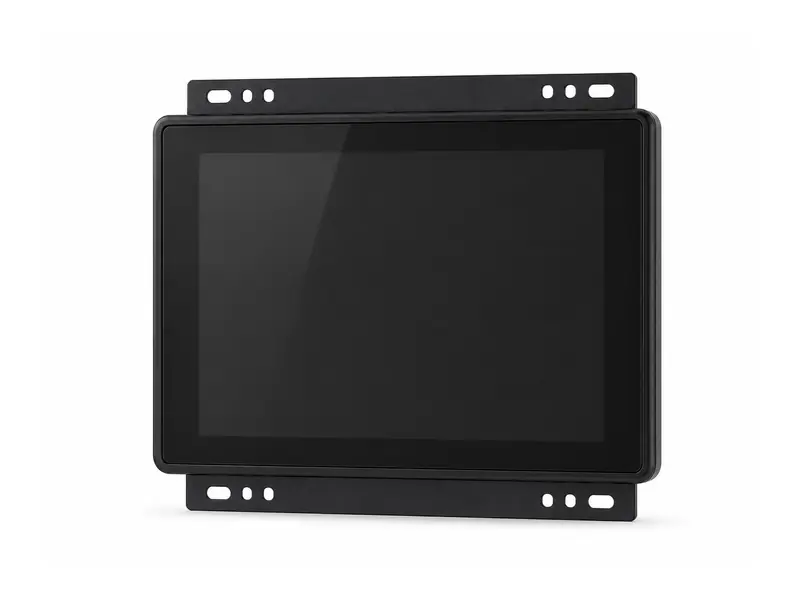
Sunlight Readable Monitors
For equipment exposed to strong daylight. Review brightness, reflections and enclosure temperature alongside the mounting method.
Browse Industrial Monitors by Screen Size
Other sizes can be reviewed on request. Brightness, touch and mounting options vary by model.
Industrial Monitor Specifications & Customization Options
Review our typical supply options, then identify what must be adapted for your equipment. Final availability is confirmed against the selected model and project requirements.
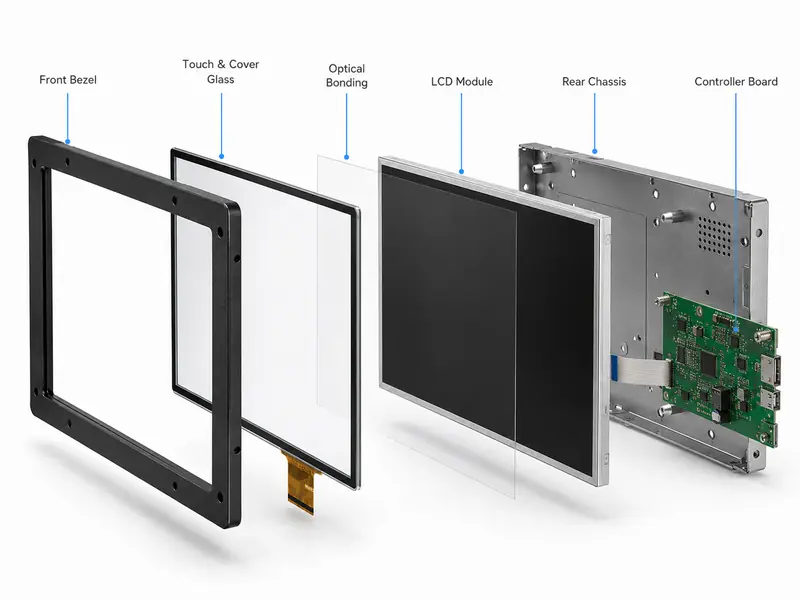
Start with a Proven Configuration
When an existing LCD and electronics platform meets the application, customization may be limited to brackets, cable exits or cover glass. A new enclosure or electrical design can involve additional development work.
An enclosure drawing or the part number of your current monitor helps us identify what can be reused and what needs to change.
| Item | Typical Options | Project-Specific Review |
|---|---|---|
| Display | 7–32 inch sizes, common HD and Full HD resolutions, standard or high brightness. | LCD selection depends on size, resolution, brightness, temperature range, viewing direction and supply plan. |
| Touch | Projected capacitive touch, 5-wire resistive touch or non-touch. | Glove, wet-touch and glass-thickness requirements need controller tuning and testing in the intended installation. |
| Cover Glass | Custom outline, thickness, printing and AG / AR / AF surface treatments. | Edge design, printing area, cleaning conditions and impact protection must be confirmed for the complete assembly. |
| Bonding | Air bonding or optical bonding, depending on the selected model. | The method is selected around reflections, sunlight visibility, condensation risk, glass design and operating conditions. |
| Interfaces | HDMI, VGA or DVI video; USB or RS232 touch, depending on the model. | Confirm the host output, operating system, connector location and cable direction. LVDS integration requires a separate electrical review. |
| Power | Common 12 V or 24 V DC configurations, subject to the selected electronics. | Input range, connector, cable and power budget are checked for the final configuration. Wide-voltage input is project dependent. |
| Mechanical | Open frame, panel mount or VESA mounting. | Brackets, bezel, rear cover, mounting holes, depth and cable exit can be reviewed against the enclosure drawing. |
| Environment | Indoor, semi-outdoor and outdoor configurations; front sealing options. | Temperature, direct sunlight, duty cycle, enclosure heat, dust, moisture and sealing conditions must be reviewed together. |
Front IP protection depends on the specified mounting and seal. It does not mean the rear electronics or the complete machine are waterproof.
Industrial Monitor Applications
The same screen size can need a different configuration in a factory, a public terminal or an outdoor cabinet. Start with the conditions at the installation point.
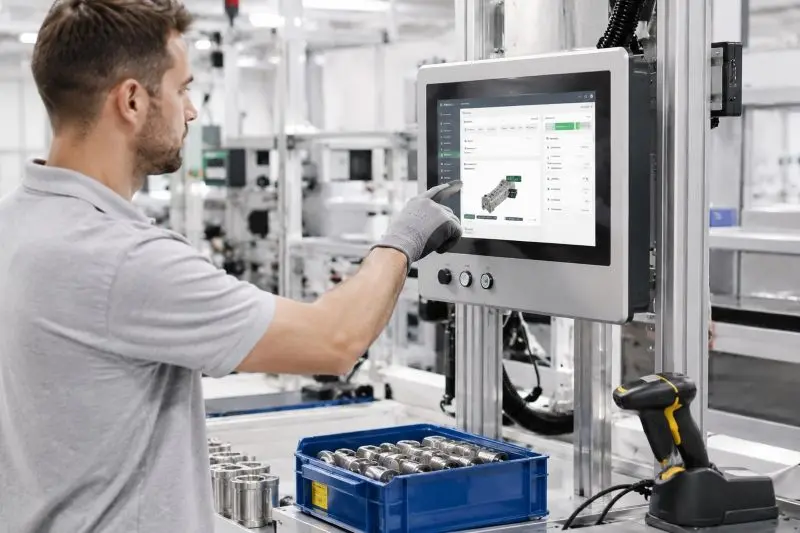
Industrial Automation & HMI
For machine panels and operator stations. Check host compatibility, grounding, electrical noise and the operator's glove requirements.
Explore Automation Applications
EV Charging & Infrastructure
For chargers and public access terminals. Review sunlight, rain, impact exposure and heat inside the final cabinet.
Explore Infrastructure Applications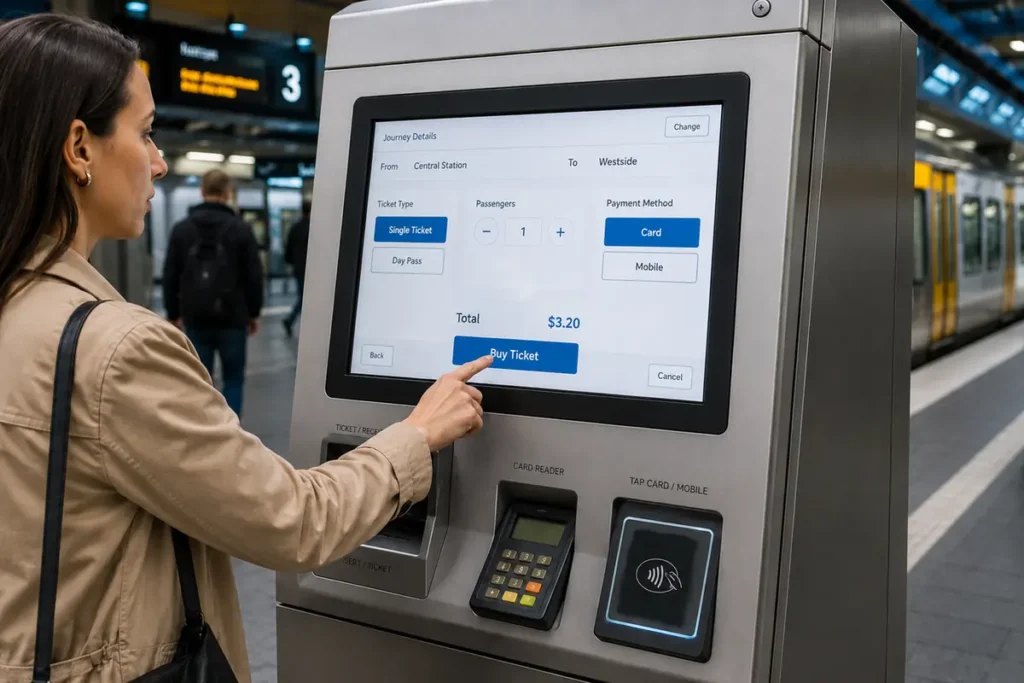
Self-Service & Payment
For ticketing, ordering and payment kiosks. Priorities include front-panel fit, touch response, cleaning and replacement access.
Explore Self-Service Applications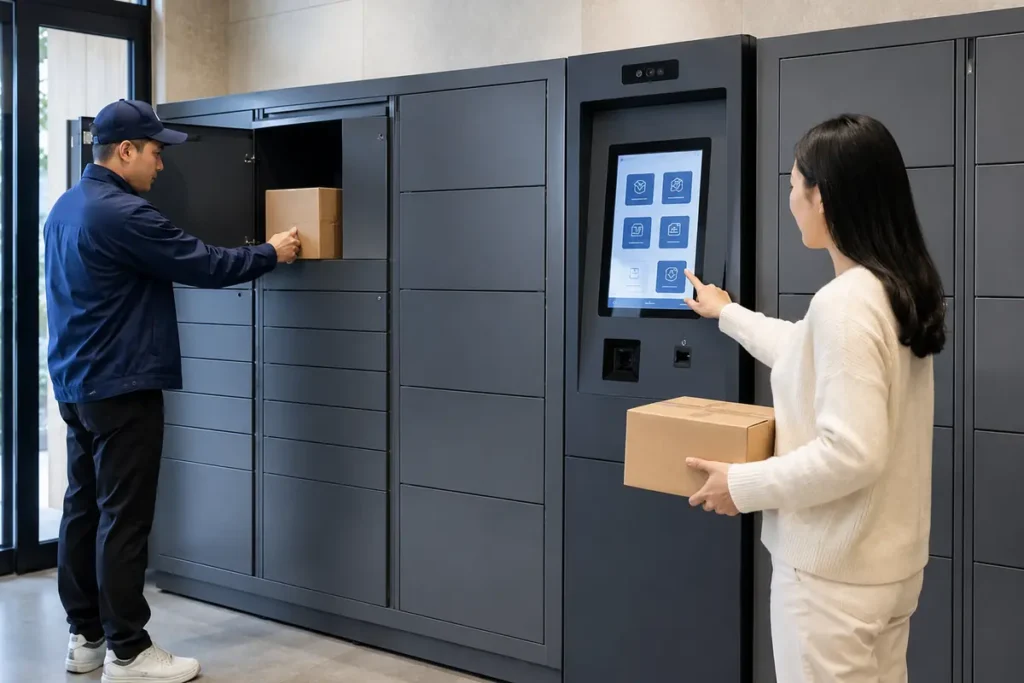
Vending & Smart Cabinets
For unattended retail and locker systems. Confirm display wake-up, service access and the configuration needed for repeat installations.
Review Sample and Supply PlanningEngineering Review, Samples & Repeat Orders
For an OEM monitor project, agree the installation details and acceptance criteria before ordering samples. The approved sample and drawing then provide a reference for production and repeat orders.
Check the Installation Details
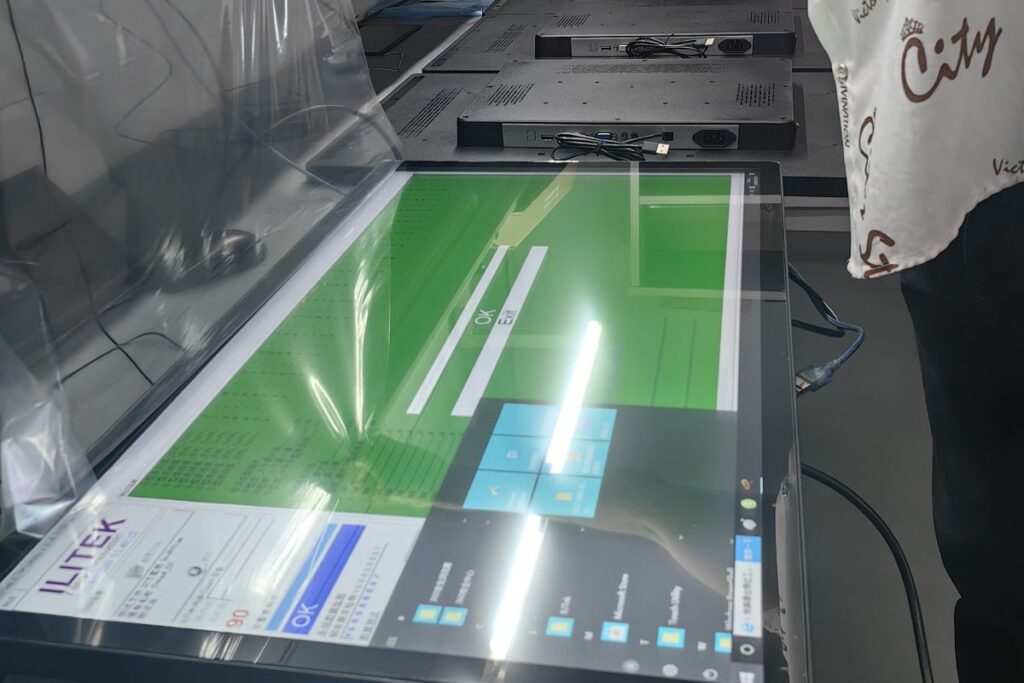
We check the enclosure drawing, mounting depth, cable exits, video and touch connections, power input and operating conditions. Use the agreed drawing and interface list to confirm the sample order.
Validate in Your Equipment
Use the sample with your actual host, application, cables and enclosure. Confirm installation, touch response, visibility and operation after the cabinet reaches its normal working temperature. Agree any changes before production approval.
Plan Repeat Orders
For ongoing programs, we can review component availability, revision records, inspection requirements and approved alternatives. Discuss change-notification requirements early so proposed substitutions can be assessed before implementation.
Quotation and Schedule
For a useful quotation, include the evaluation quantity, expected batch sizes and target delivery date. Tell us whether the schedule is for prototype testing or production release.
Documentation and Support
Request the model's specifications, mechanical drawing and interface details for your review. Identify any required test reports at the enquiry stage so we can check availability for that configuration. See our Warranty & RMA Policy for support terms.
Support Beyond the First Sample
Eagle Touch operates two production lines for industrial display and panel PC projects. For repeat programs, the goal is to keep the approved configuration traceable and communicate relevant changes before they affect your equipment.
Approved Configuration
The approved model, drawing, interfaces, cables and agreed project requirements provide the production reference for repeat orders.
Change Review
Relevant changes to the LCD, touch panel, controller board, cables or mechanical parts can be reviewed against the approved requirements.
Supply Planning
Batch quantity, panel availability, inspection requirements, lead time and approved alternatives can be planned around the production schedule.
Industrial Monitor Selection Resources
Use these guides when a specification is still undecided or you need to prepare an engineering or purchasing review.
Choosing Display Brightness
Select an initial brightness range and confirm what the finished-screen measurement should include.
Selecting an Outdoor Monitor
Review reflections, optical bonding and cabinet heat alongside the LCD brightness specification.
Evaluating an Industrial Display Supplier
Prepare questions about project fit, sample approval, documentation and long-term supply.
Industrial Monitor FAQ
Practical questions about model selection, samples and equipment integration.
Yes, when its specifications and mounting arrangement match your equipment. Choose a model from the product range or send your requirements for a recommendation. Confirm the exact configuration and availability before ordering.
Yes. Tell us how many samples you need and the expected production volume. Sample availability and pricing are confirmed for the chosen model. The minimum production order depends on its components and the custom work involved.
Panel availability, custom glass, mechanical parts, electronics changes and validation requirements affect the schedule. Reusing existing tooling may reduce development work. Sample and production lead times are quoted separately, with any tooling or development charges identified for the proposed work.
An industrial touch monitor connects to an external host for video and touch input. If you need a processor, storage and operating system built into the display, explore our industrial panel PCs.
Provide the host model, operating system, video output and intended touch connection. During sample testing, check resolution, touch mapping, orientation and wake-up behavior with the actual application. Glove or wet-touch requirements also need testing with the specified glass, controller and installation.
Our standard limited warranty is one year from delivery unless otherwise agreed in writing. Custom and OEM/ODM products follow the agreed project terms. For a support request, include the model, order reference, fault description and test conditions. Please review the Warranty & RMA Policy before arranging a return.
Request a Monitor Recommendation
Send the screen size, application, mounting method, interfaces and expected quantity. Include an existing model number or drawing reference if available.
You do not need a complete specification to start. Tell us which requirements are fixed and which need advice.