Industrial Touch Screen Sensitivity Adjustment: Root Causes and Engineering Solutions
Introduction In industrial environments, touch interfaces must operate reliably under conditions such as glove use, moisture …
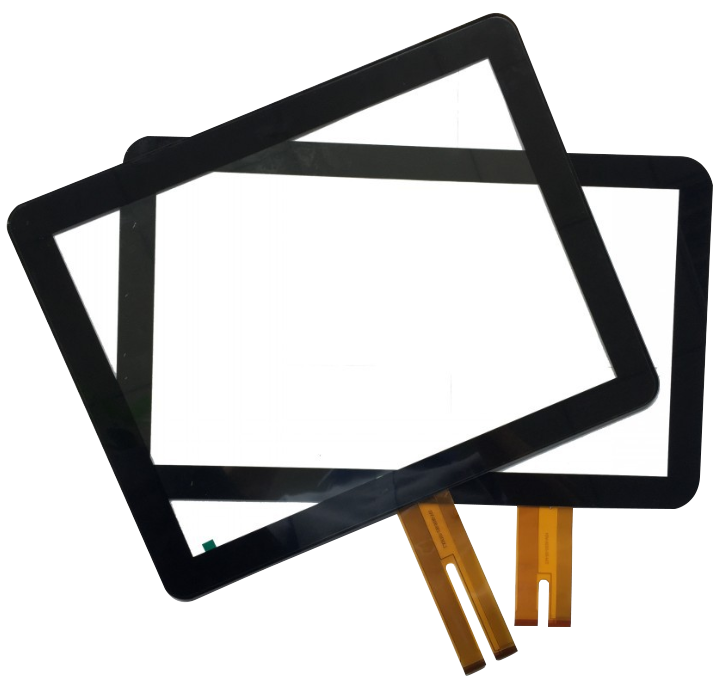
Projected capacitive touch screen (PCAP) technology is widely used in industrial HMIs, kiosks, and embedded control systems due to its durability, optical clarity, and support for multi-touch interaction.
However, PCAP performance is not defined by the sensor alone. In industrial environments, factors such as EMI, grounding, controller selection, and cover glass thickness directly affect usability and stability.
For a broader overview of industrial touch technologies and system selection, refer to this touch screen guide.
Selecting PCAP early in the design phase helps reduce integration risks and avoid costly redesign cycles.
PCAP is suitable when the system requires:
PCAP may not be appropriate when:
In high-EMI environments or designs with thick glass, PCAP can still perform reliably—but only with proper controller selection and system tuning.
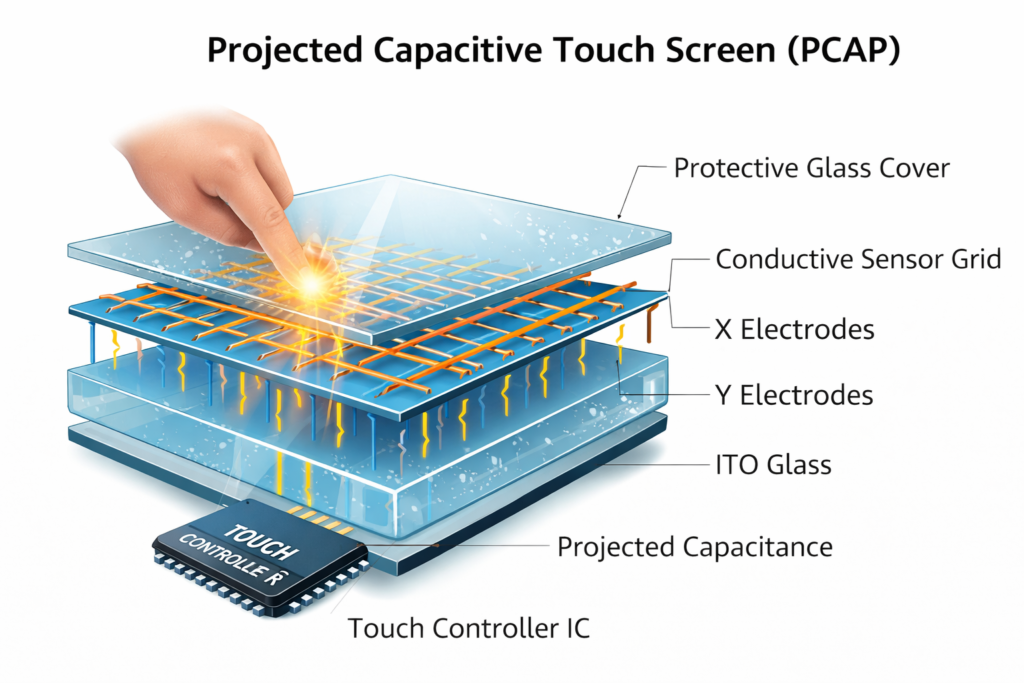
A projected capacitive touch screen uses a transparent conductive grid, typically based on indium tin oxide (ITO), embedded within the glass structure.
Compared to resistive touch technology, PCAP:
Because the sensing layer is internal, the front surface can be fully sealed, which is critical for industrial equipment.
Touch is detected through changes in capacitance:
This approach eliminates mechanical wear and enables stable optical performance.
The controller is the primary determinant of system performance:
Incorrect controller selection is one of the most common causes of unstable behavior in industrial deployments.
SNR determines reliability under electrical interference:
This is especially critical near motors, power systems, and metal enclosures.
Sensor layout must match display size and use case:
Increasing glass thickness improves mechanical strength but reduces sensitivity.
This requires:
Performance can be affected by:
System design must include grounding strategy, shielding, and calibration.
Standard PCAP may not reliably detect:
Mitigation methods include:
Industrial systems introduce noise from:
To maintain stable operation:
PCAP touch screens are widely used in:
In real OEM projects, PCAP requirements vary significantly depending on the application:
If your application falls into these categories, PCAP typically requires customization rather than standard off-the-shelf modules.
Alternative solutions such as resistive or infrared touch may be more suitable when:
Observed issues in real deployments include:
These issues often result in unstable performance and redesign cycles.
Before finalizing the design, evaluate:
Early alignment of these factors significantly reduces project risk.
For projects in early design stages, it is common to validate PCAP feasibility before finalizing the display architecture.
If your project involves:
Early technical evaluation can help identify risks before hardware is finalized.
You can share your application requirements for review, including:
As an industrial PCAP solution provider, we support OEM projects from early design validation to mass production.
Projected capacitive touch screen technology is widely adopted in industrial systems due to its durability and user interaction capability.
However, successful implementation depends on system-level design. Performance is determined by controller selection, sensor structure, and environmental validation.
PCAP should be treated as an engineered subsystem rather than a standalone component.
Can PCAP work with gloves?
Yes, with appropriate controller support and firmware configuration.
What limits cover glass thickness?
Controller capability and sensor design. Must be validated in real conditions.
Is PCAP suitable for outdoor systems?
Yes, with proper optical and environmental design.
What causes ghost touch?
Typically low SNR or insufficient EMI mitigation.
Is PCAP plug-and-play?
No. Industrial applications require tuning and system integration.
Introduction In industrial environments, touch interfaces must operate reliably under conditions such as glove use, moisture …
Introduction In industrial environments, a touch screen not responding is not only a usability issue—it can …
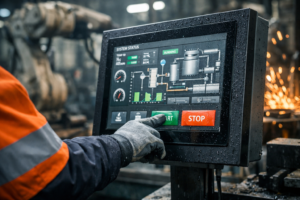
Introduction The multi-touch industrial screen is often assumed to improve usability in industrial HMI systems. In …
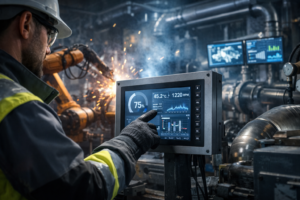
Introduction Industrial panel PC touch screen failure is a common reliability issue in applications such as …
Send your application details. We respond with configuration direction and next steps.