Custom Industrial Panel PC Solutions for OEM Equipment
We design and configure industrial panel PCs for factory automation equipment, control cabinets, machine vision systems, embedded HMI terminals, and OEM machine applications that require reliable operation, flexible I/O, and long-term project support.
Industrial Panel PC Manufacturer for OEM Projects
Eagle Touch is a B2B industrial touch display and panel PC manufacturer supporting OEM equipment customers with project-based configuration, sample confirmation, and repeat production.
Instead of only offering off-the-shelf panel PC models, we help configure the display, computing platform, touch panel, I/O layout, mounting structure, enclosure, and operating system around your equipment design.
Our panel PCs are commonly used in machine HMIs, control cabinets, factory automation systems, machine vision equipment, industrial kiosks, and embedded operator terminals where stable performance and repeatable supply matter.
OEM / ODM Support
Custom Hardware
Engineering Review
Sample to Production
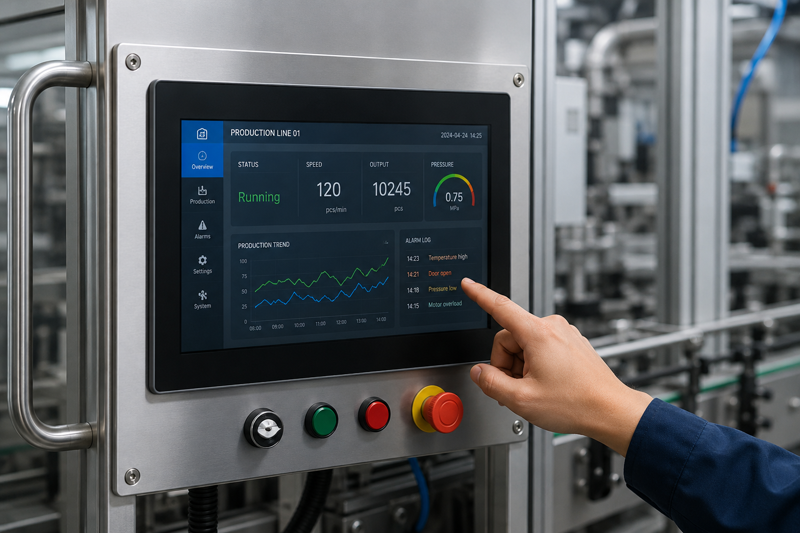
Configuration usually depends on enclosure space, connector position, cable access, required interfaces, mounting method, operating conditions, software platform, and long-term deployment needs.
Common Configuration Range & Custom Options
Industrial panel PC configurations can be selected and adjusted according to the equipment structure, software platform, I/O layout, and installation environment.
| Item | Common Options |
|---|---|
| Screen Size | Commonly 7" to 21.5", with larger size options based on project requirements |
| CPU Platform | Intel x86, ARM platform, RK series, and embedded computing options |
| Memory & Storage | RAM, SSD, eMMC, and storage capacity options based on operating system and software workload |
| Operating System | Windows, Linux, Android, driver support, and optional system image preparation |
| Touch Panel | PCAP touch, resistive touch, glove touch, wet touch, and cover glass options |
| Display | Standard brightness, high brightness, optical bonding, AG / AR / AF glass options |
| Mounting | Panel mount, VESA mount, embedded mount, open frame structure, custom bracket design |
| Structure & Protection | Fanless structure, front IP65 option, aluminum enclosure, and project-based housing design |
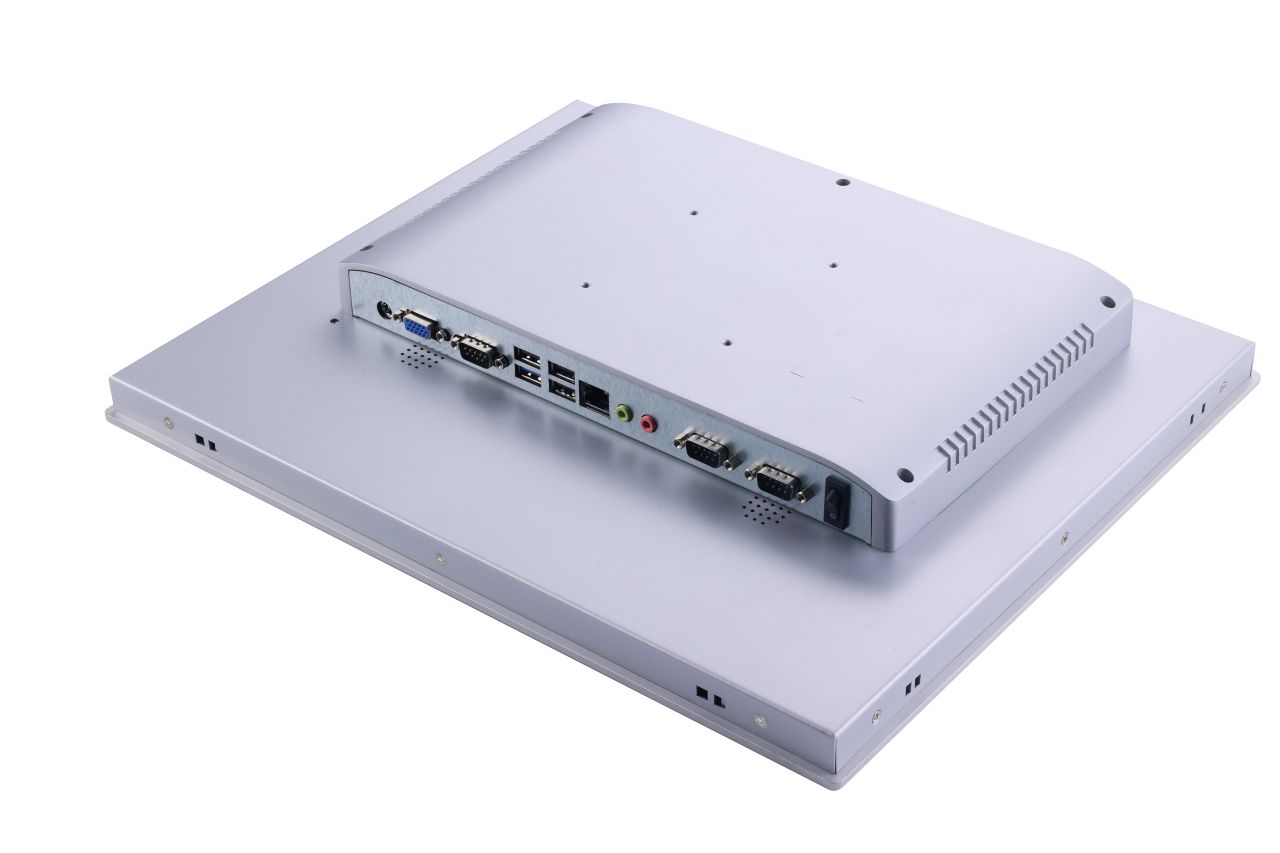
| I/O Interfaces | LAN, USB, COM, RS232, RS485, HDMI, CAN, GPIO, audio, and project-specific I/O layout |
| Branding | Logo, label, front bezel, packaging, and boot screen options depending on platform |
Common OEM Integration Challenges We Help Solve
For OEM equipment projects, panel PC selection is not only about choosing a screen size. The final configuration needs to match the machine structure, software platform, interface layout, and operating environment.
| Customer Challenge | How We Support |
|---|---|
| Limited cabinet or machine space | Check enclosure depth, panel mount structure, connector position, cable access, and service space |
| Specific machine I/O requirements | Confirm LAN, USB, COM, RS232, RS485, CAN, GPIO, HDMI, or other interfaces based on connected devices |
| Existing software platform | Match Windows, Linux, or Android platform according to application software and driver requirements |
| Dust, moisture, cleaning, or harsh operating conditions | Review fanless structure, front IP65 protection, touch type, enclosure material, and installation environment |
| Mechanical confirmation before sample order | Confirm mounting drawings, connector layout, front panel dimensions, and installation clearance before sample build |
| Testing before production | Test mechanical fit, software compatibility, I/O connection, touch behavior, and operation on the target equipment |
| Repeated setup across multiple machines | Optional system image preparation can help keep OS, drivers, applications, and basic settings consistent |
Industrial Panel PCs for Machine HMI, Terminals and Equipment Control
Eagle Touch industrial panel PCs are used in machine HMI, control cabinets, production terminals, kiosks, EV chargers and embedded OEM equipment.
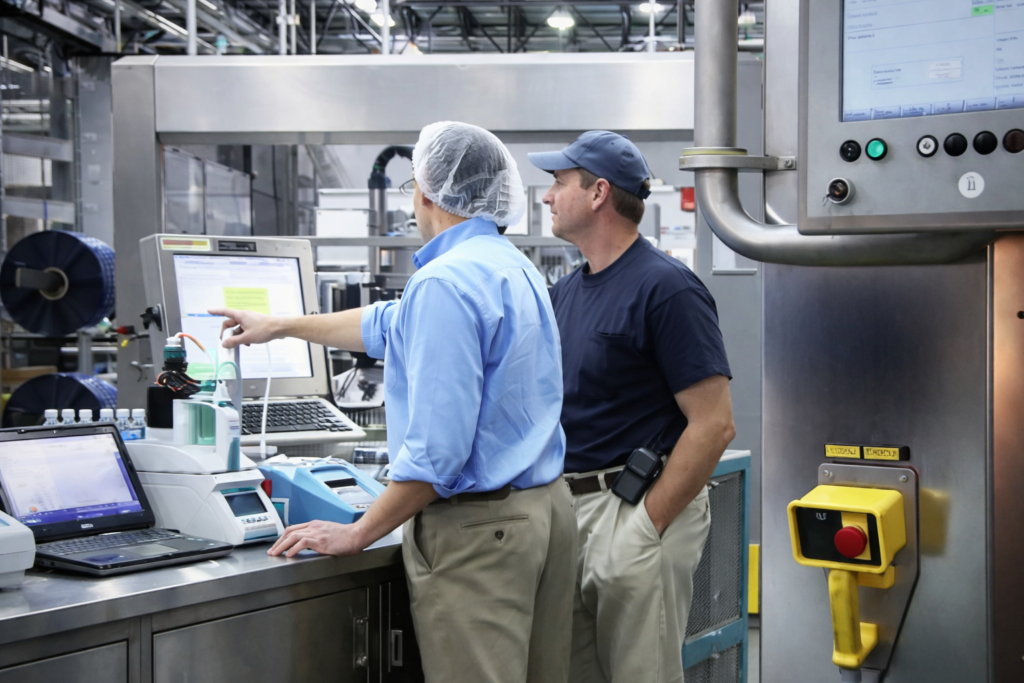
Automation HMI & Control Stations
For PLC, SCADA and automation systems that need a fixed touch computer for operator control.

Machine-Mounted Operator Panels
For equipment doors, machine panels and control boxes where cutout size and mounting structure matter.
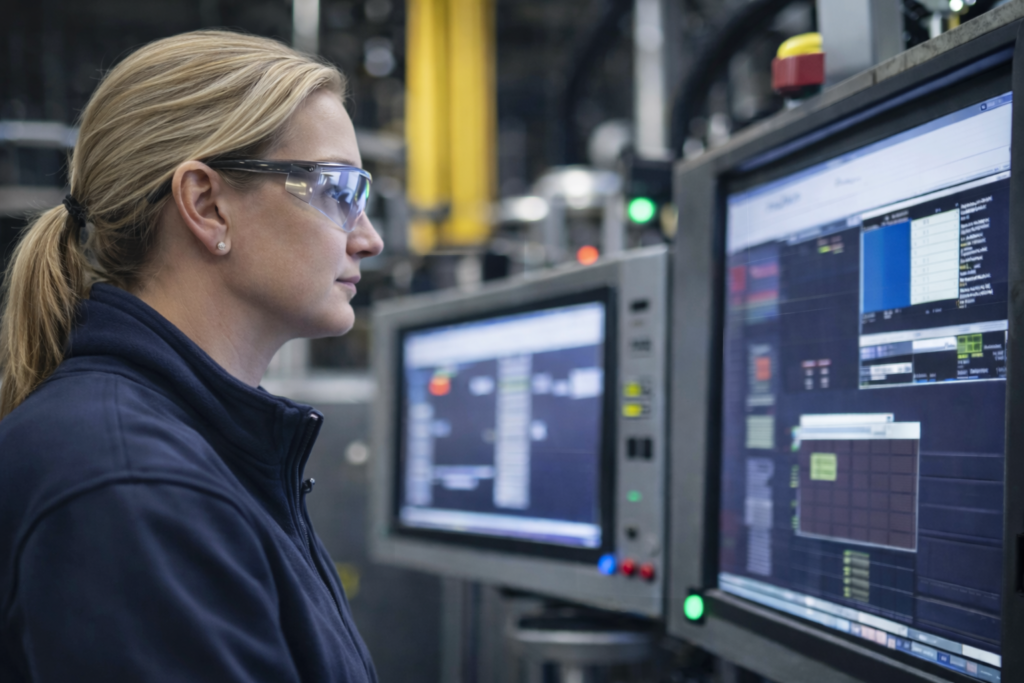
Production / MES / Data Collection
For line-side terminals, production workstations and factory data collection points.
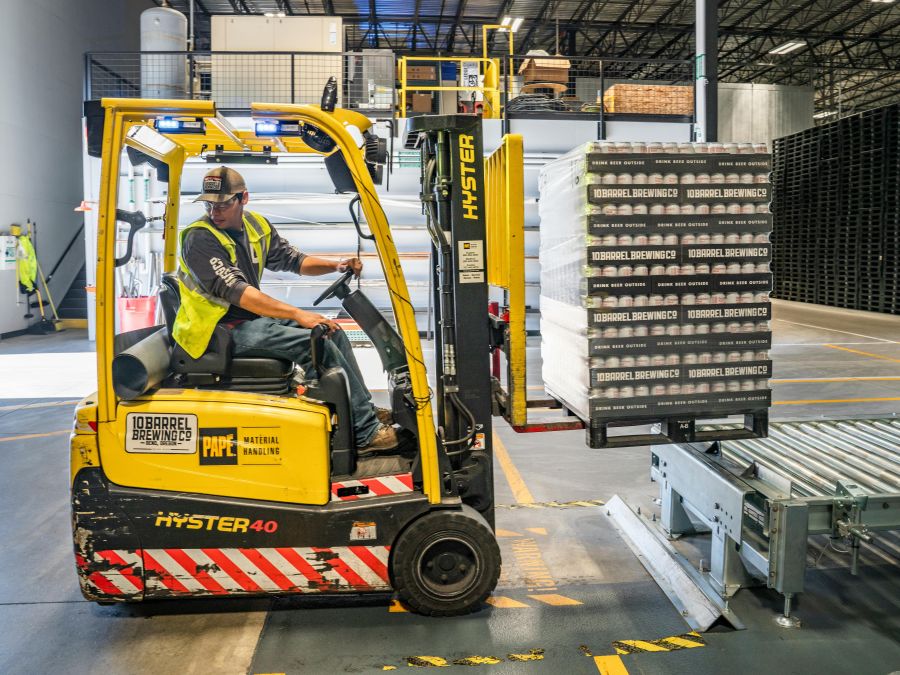
Logistics & Warehouse Terminals
For dispatch desks, warehouse stations, scanning points and fixed-position operation terminals.

Inspection & Measurement Workcells
For testing stations, inspection equipment and measurement systems with fixed software workflow.

EV Chargers & Self-Service Terminals
For EV charging stations, payment terminals, kiosks and unattended touch equipment.
Not sure which panel PC direction fits your equipment? Send your application details →
Designed Around Real Industrial Deployment Conditions
Industrial panel PC selection should consider more than screen size and CPU. Mounting space, cable routing, cabinet temperature, touch operation, interface layout, power input, and long-term availability can all affect the final equipment design.
Fanless Thermal Design
Suitable for dusty environments or sealed equipment structures where fan maintenance is not preferred. Cabinet temperature and heat dissipation should be checked during configuration.
Front IP65 Protection Option
Useful for operator panels exposed to dust, moisture, or regular front-side cleaning. Front panel structure and sealing requirements can be reviewed based on the installation environment.
Flexible Industrial I/O
Interfaces such as LAN, USB, COM, RS232, RS485, CAN, and GPIO can be matched with connected devices, controllers, cameras, barcode readers, or peripheral equipment.
Mounting and Enclosure Review
Panel mount, VESA, embedded installation, enclosure depth, connector position, cable exit direction, and service space should be confirmed before sample build.
From Requirement Review to Repeat Production
We support OEM panel PC projects from early configuration review to sample evaluation, pilot build, and repeat production.
Requirement Review
Check application environment, screen size, mounting method, required I/O, operating system, software requirements, and estimated project quantity.
Configuration Planning
Confirm CPU platform, touch type, interface layout, enclosure structure, power input, connector position, and OS requirements.
Drawing and Quotation
Provide configuration details, mounting drawings, and project-based quotation for engineering and purchasing review.
Sample Evaluation
Test mechanical fit, software compatibility, touch behavior, interface connection, driver requirements, and operation on the target equipment.
Pilot Run and Production
Support pilot builds, configuration confirmation, production preparation, and repeat supply for ongoing OEM projects.
Requirement review → configuration planning → sample testing → pilot run → repeat production.
Early definition of environment, mounting method, interfaces, and software platform helps reduce changes later in the project.
Discuss Your Project Requirements
Optional system image preparation can help keep the same software environment across multiple panel PCs used in OEM equipment programs.
System Image Preparation for Batch Deployment
For projects deploying multiple panel PCs, preparing the system image in advance helps keep the software environment consistent across machines.
This can be useful for pilot builds, production runs, or equipment programs where each panel PC needs to start with the same operating system, drivers, application setup, and configuration files.
It is a small preparation step, but it can reduce repeated setup work when devices are installed across machines or production lines.
Ask About System Image PreparationQuality Checks and Project Documentation Support
For industrial and OEM projects, stable configuration, functional testing, and clear documentation help reduce sourcing and integration risk.
Testing Support
- LCD and touch panel inspection
- I/O function test
- Power-on and aging test
- Touch behavior and interface check
- Appearance and packaging inspection
Documentation Support
- Datasheet support
- Mechanical drawing support
- Configuration confirmation
- Project quotation support
- Certification documents based on selected configuration
Looking for Standard Industrial Panel PC Models?
If you want to compare available screen sizes, CPU platforms, mounting options, and standard configurations, please visit our industrial panel PC product list.
View Industrial Panel PC ModelsCustom Industrial Panel PC FAQ
Common questions from OEM equipment manufacturers and system integrators during industrial panel PC configuration and deployment planning.
Let’s Discuss Your Requirements
Share your application, requirements, or current challenge. Our team will review the details and recommend a practical way forward.