What Is an Industrial Panel PC? Components, Types and Applications

An industrial panel PC is a computer with a built-in display, usually a touchscreen, designed for …
Eagle Touch Engineering Team
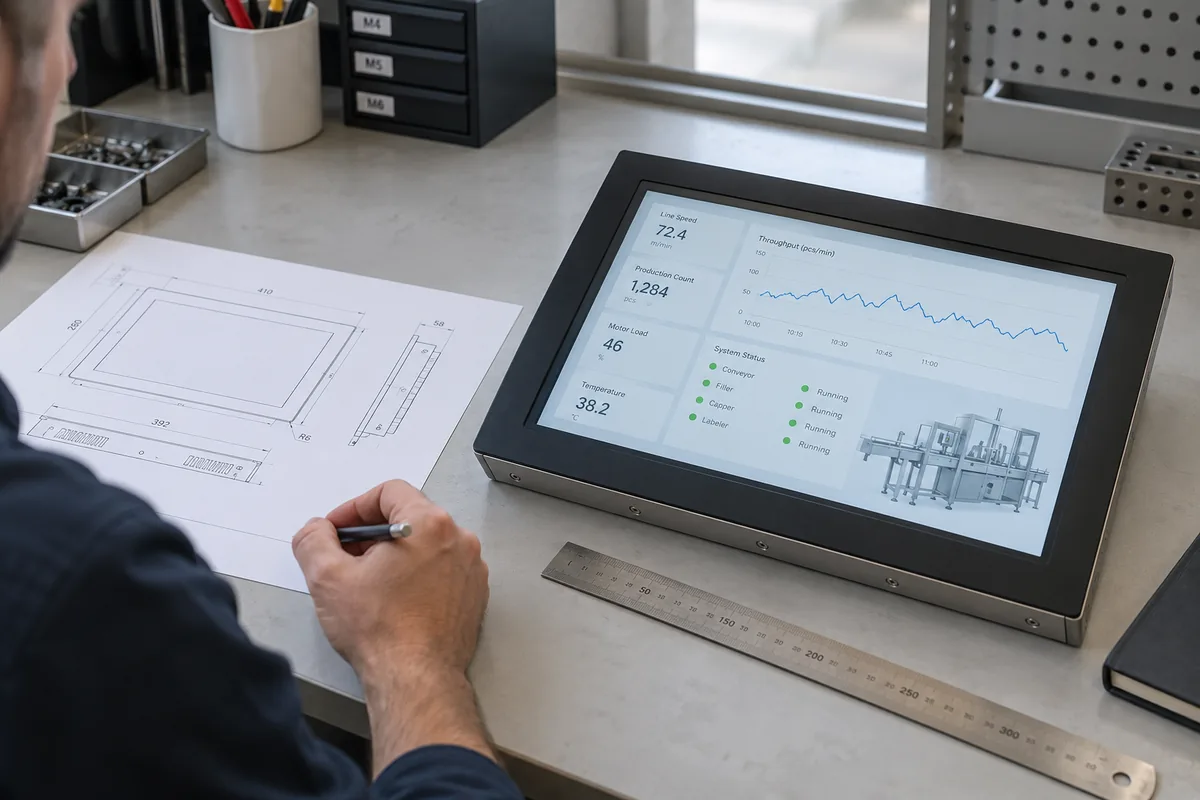
Start with the software the panel PC must run and the conditions it must fit. Then choose the display, computing hardware, power input and interfaces. Approve the configuration only after a sample has worked with your application and connected equipment in the intended installation.
A fixed cabinet cutout, a required Windows application or a particular cleaning process can rule out a model before CPU performance becomes relevant. Identify those constraints early. Two quotes may list the same screen size and CPU family, yet only one unit may fit your cabinet or support your software.
Use this checklist to prepare a project brief before comparing models. Mark unknown requirements as open questions rather than filling them with guesses.
| Selection area | Information to establish |
|---|---|
| Software | Application, version, supported OS and required drivers |
| Installation | Mounting method, drawing, cutout, depth and cable clearance |
| Environment | Temperature at the unit, dust, water, sunlight and cleaning exposure |
| Display and touch | Interface layout, viewing conditions and operator input method |
| Computing | Concurrent tasks, memory demand and data storage workload |
| Power and I/O | Available supply and a peripheral list with connection requirements |
| Project requirements | Required compliance evidence, expected supply period and service needs |
| Sample approval | Representative test conditions and acceptance criteria |
If you need background on the product itself, see our industrial panel PC architecture and integration guide.
Write down exactly what will run on the computer. A browser displaying a remote dashboard has different requirements from a unit running a local HMI application, recording production data and processing camera images at the same time.
For existing software, obtain the supported OS versions and processor architectures from its developer. Include runtime dependencies, licensing devices and peripheral drivers. For custom software, involve the development team before choosing the board or operating system.
“Supports Windows” is too broad to approve a purchase. Ask the hardware supplier to identify the proposed OS edition and version, together with the drivers supplied for that configuration. A successful boot proves very little about application compatibility.
Eliminate platforms that cannot support a required application or device unless your team has explicitly accepted the work needed to change it. Use our panel PC operating system guide when comparing Windows, Linux and Android.
Screen size is only the diagonal of the display. It does not establish the panel PC’s overall dimensions or the opening it needs.
Compare the mechanical drawing with the equipment drawing. Check the front bezel, cutout, installation depth, mounting points and permitted panel thickness. Then look behind the unit: connectors, cable bends and mounting clamps all need space.
For example, a replacement may fit the original cutout but place its power connector against a cabinet support. That is a mechanical mismatch even if both units are sold as 15-inch panel PCs.
Check service access as well. Can a technician disconnect cables and remove the unit without dismantling unrelated equipment? If storage replacement is part of the maintenance plan, is the access cover reachable?
Confirm the screen and mounting together. A smaller unit may solve a space problem while making the operator interface difficult to use.
Give the supplier the conditions at the installation point. A control room temperature does not describe the air behind a panel PC inside a working cabinet. Ask whether the proposed unit’s temperature rating applies to the selected configuration, mounting orientation and operating load.
Describe exposure precisely. Does only the front face encounter water, or are the rear enclosure and connectors exposed too? A front-panel protection rating does not establish whole-unit protection, and the installation must follow the conditions specified for that rating.
Also identify cleaning agents, condensation, direct sunlight and vibration where relevant. Do not assume an ingress rating answers questions about chemical resistance or outdoor suitability. Request evidence appropriate to the proposed assembly and project requirements.
Choose the cooling arrangement around the workload and installation. Fanless designs remove fan maintenance, but still need an effective path for heat to escape. Fan-cooled designs need suitable airflow and a practical maintenance arrangement. Neither label confirms that the computer will operate properly in your cabinet.
Raise required market or industry compliance evidence at this stage. It can affect which models remain on the shortlist.
Use the actual interface to assess size and resolution. Open the screens operators will use, including alarms, settings and any on-screen keyboard. Check text and touch targets at the normal working distance. Higher resolution does not automatically make a fixed-layout application easier to read.
Describe the lighting rather than requesting “high brightness” alone. Indoor overhead lighting, a terminal beside a window and direct outdoor sunlight are different conditions. Ask to evaluate the complete display assembly under representative light; reflections and viewing angle affect readability as well as brightness.
For touch input, specify how people work: bare fingers, a particular glove, a stylus or wet hands. Send a glove sample when its performance matters. Neither a generic PCAP specification nor a resistive touchscreen label replaces an application test.
Try routine actions and difficult ones: small controls near the edge, repeated entries and operation after the intended cleaning procedure. The question is whether operators can complete their tasks consistently.
Once compatibility is established, determine how much computing capacity the application needs. Start with the software developer’s requirements, then test representative work. A minimum specification may allow installation without delivering acceptable response during a busy shift.
Ask for the exact CPU model. “Core i5” alone leaves generation, power class and performance unspecified. Compare candidates while running the required application, not only while viewing the desktop.
Include tasks that overlap: screen updates, logging, network communication and any image processing. Check response time and memory use during those periods. Allow capacity for identified future functions rather than choosing a larger processor without a reason.
For storage, calculate the space needed for the OS, application, updates and retained data. A terminal that continuously writes logs or images also needs an SSD selected for that write workload and operating temperature. Capacity alone does not describe suitability.
Finally, confirm the expected supply period and any parts your service team needs to replace. A configuration that meets today’s performance target may still be unsuitable if it will not remain available for planned repeat orders.
Identify whether the installation provides AC mains, an external AC-DC adapter or a cabinet DC supply. Match the panel PC’s permitted input range, connector and polarity to that source.
Check supply capacity with other connected loads included. Ask for power requirements for the proposed configuration, including connected devices powered through the computer. Do not assume a supply is adequate because its nominal voltage matches.
Our industrial panel PC power input guide explains the checks for AC, 12V, 24V and wide-range inputs.
List each connected device by model and function. For every item, confirm the physical connection, required port mode and software support. “Two COM ports” does not establish that both provide the RS-485 functions your equipment requires.
Similarly, an Ethernet port does not by itself provide every industrial communication protocol. Check the application, driver or gateway needed for the intended connection.
Count the connections used during servicing as well as normal production. Consult the panel PC I/O selection guide if port descriptions need clarification.
Order the sample in the configuration you intend to approve. Fit it to the equipment, or a representative fixture, and use the intended software, power source and peripherals together.
Agree what counts as a pass before testing. An application opening successfully is not the same as acceptable operation under load.
| Test area | What the sample needs to demonstrate |
|---|---|
| Application workflow | Operators can complete normal and demanding tasks within acceptable response times |
| Connected devices | Required scanning, printing and communication work with peripherals connected together |
| Installation | Mounting, cable routing, cooling clearance and service access are workable |
| Display and touch | The interface remains readable and usable under the specified light and input conditions |
| Sustained operation | Representative workload and installation temperature do not cause unacceptable slowdown, errors or shutdown |
| Recovery | Agreed restart and network recovery procedures restore the required application state |
Set test duration and conditions around the equipment’s duty cycle and failure risks. Plan interruption tests with the application team where stored data could be affected. Routine functional checks do not replace formal environmental or compliance testing required by the project.
Keep a record of the approved hardware configuration, software image and mechanical drawing. Production orders should reference the configuration you tested and approved.
Send the requirements you have confirmed, the installation drawing and a list of unresolved questions. Include sample quantity, expected production volume and delivery needs. If CPU or display specifications are still open, explain the application instead of guessing a configuration.
For an industrial panel PC configuration review, share those details with Eagle Touch. We can review the proposed fit and identify the points that need confirmation before sampling.
An industrial panel PC is a computer with a built-in display, usually a touchscreen, designed for …

An embedded PC is a computer configured to work as part of a machine or larger …

Start with the software the panel PC must run and the conditions it must fit. Then …

Choosing an industrial panel PC IP rating starts with two questions: what dust and water exposure …
Share your application, requirements, or current challenge. Our team will review the details and recommend a practical way forward.